
How we got this result
- Files checkedWe compare the fingerprint and the content of each file with the malware we and others have found, and look at what is inside it.1 of 1 current fileLast checked on 26 Nov 2026
- AntivirusClamAV and YARA, two antivirus scanners, check each current file and the files inside it, up to our size limits. A person reviews every match.0 of 1 current file
- Passed Nothing harmful foundOur checks look for known signs of harm. They cannot prove that a file is harmless.
About
From its official pages
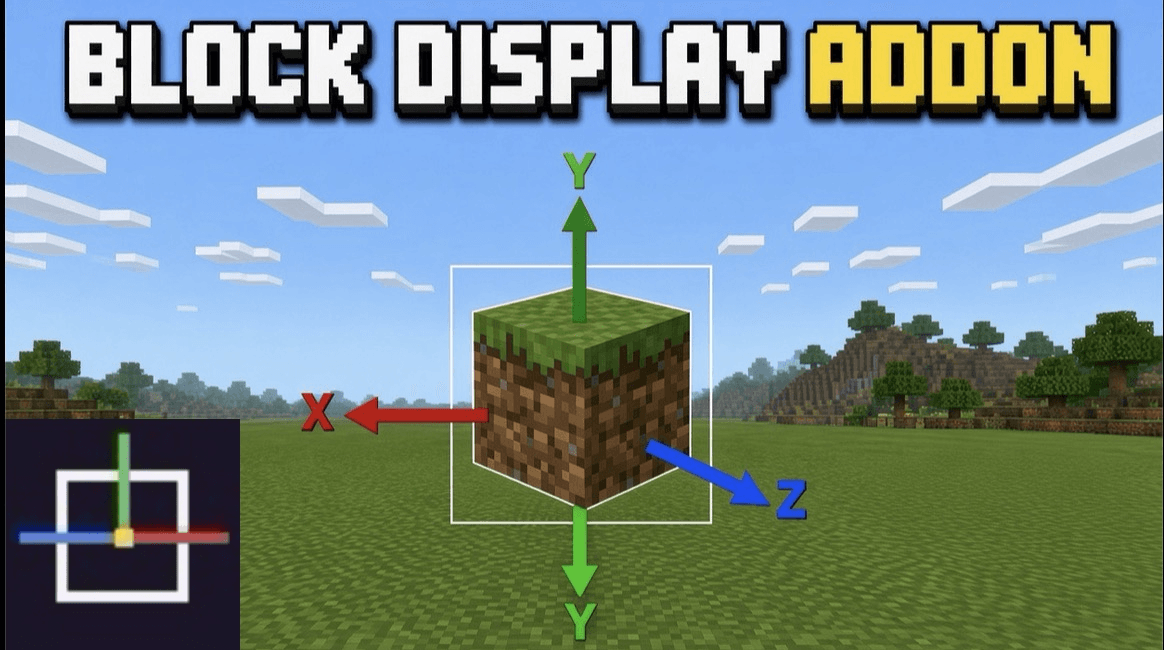
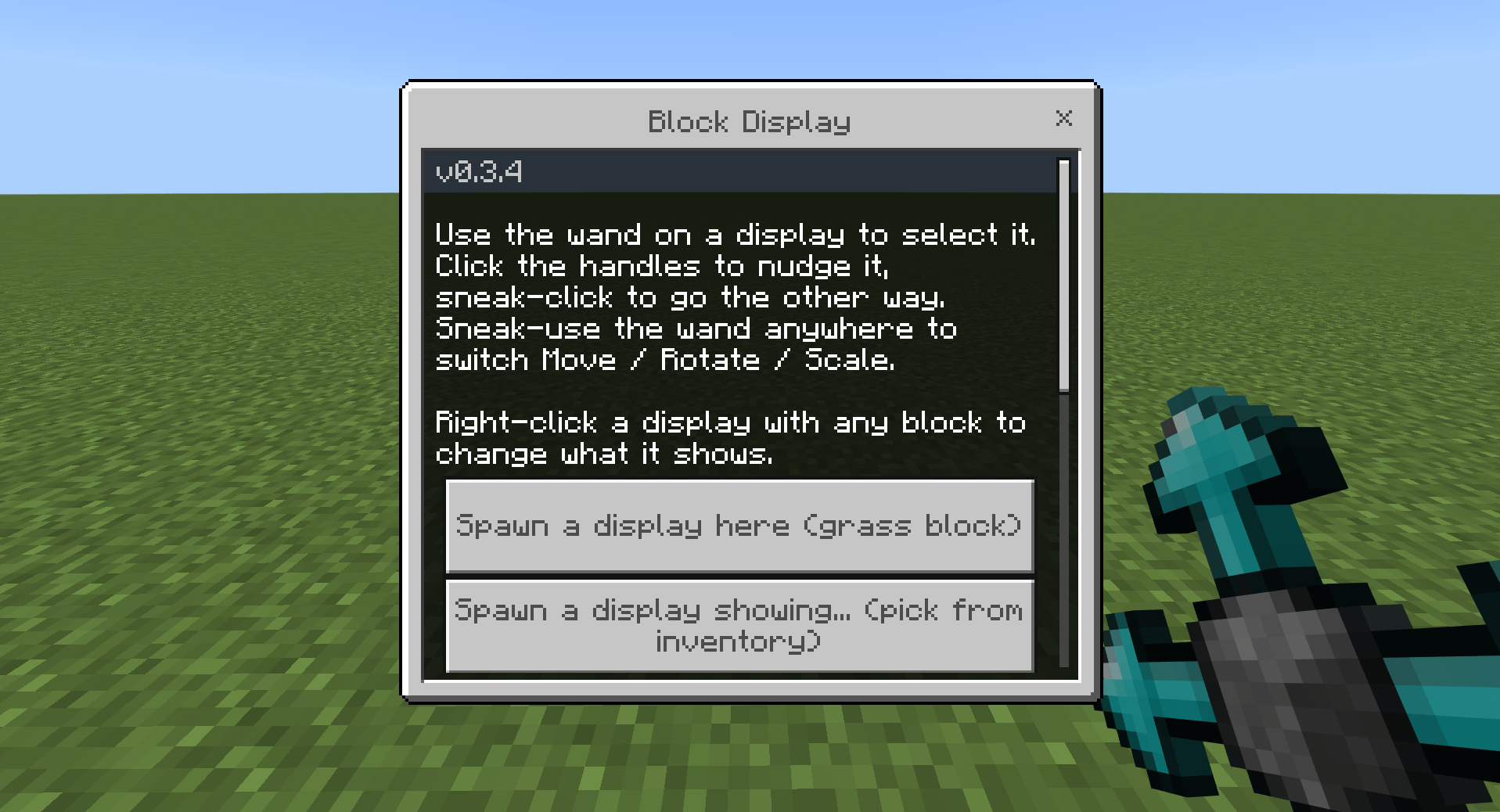
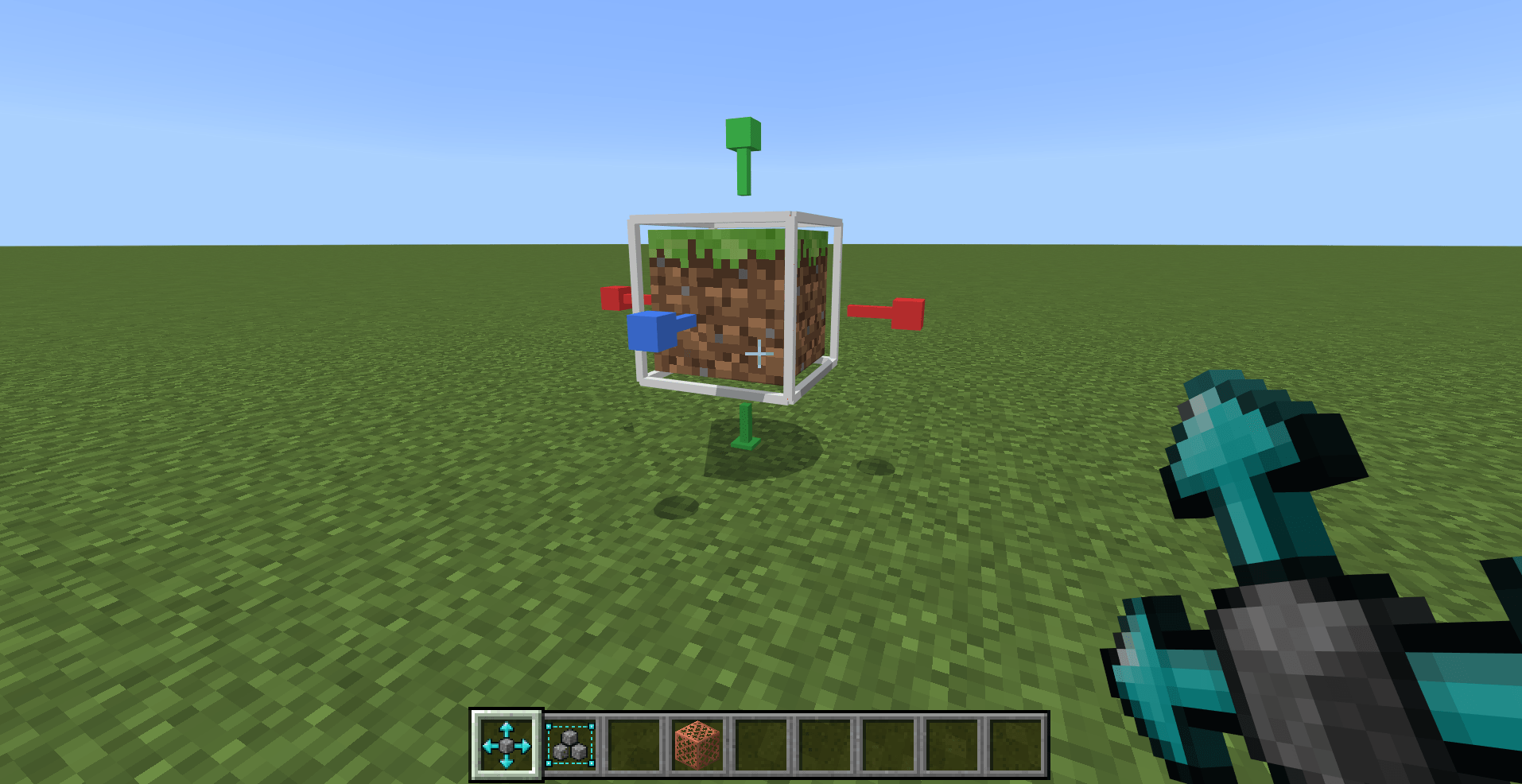
Block Display is a Minecraft Bedrock mod that lets you place any block as a floating display and then move, rotate, and resize it using in-world gizmos, bringing display-entity style building to Bedrock without requiring experimental toggles. Displays float exactly where you place them, even inside other blocks, and they have no gravity, collision, or pushing behavior, so nothing moves or damages them. Gizmos appear around the selected display as arrows, ring knobs, and a corner handle, and clicking a handle nudges the display by one step, while sneak-clicking moves it the other way. A drag mode lets you grab a handle and pull a display around by looking, and the Settings menu controls the step sizes for moving, rotating, and sizing. For precision work, you can type exact position, rotation, and size values directly. The mod includes real block models for full cubes, slabs, stairs, and fences, about 650 vanilla blocks in total, drawn with their real textures at true block scale, with shape variants such as top and bottom slabs, inner and outer stair corners, upside-down stairs, and fence posts, panels, and crosses. Beyond full block models, panes, doors, anvils, plants, and other items can also be displayed, and displays can range in size from 1/16 of a block up to 16 blocks. The Group Tool lets you select many displays and move, rotate, or resize them together as a single object, and group selection can be done by radius, by everything in view, or cleared. Displays are saved with the world and persist across restarts. Players use the Block Display Wand, which opens a menu on empty air for spawning and settings and on a selected display for setting its block, shape, exact values, duplicating, or deleting it, and the wand's mode switches between Move, Rotate, and Scale when sneaking. Modeled blocks always show their default appearance, so a stair's facing is set by rotating the display, and animated blocks such as magma and sea lanterns appear as their held-item look.
Written from CurseForge . How we write it

At a glance
- Download
- Files for Bedrock 26.40, 26.50.
- Privacy
- None found.
- Releases
- Latest release on 12 Nov 2026.
- Statistics
- No daily count yet.
Every current file
See each file in ReleasesThe newest release or beta for each Bedrock version, on CurseForge.
Passed
Have a copy of Block Display? Check that it is the official one.
Drop it here. We compare its fingerprint with the official Block Display files. A file we do not know is not sent: we only say what its manifest declares.
Creators
Who makes Block Display, with their most downloaded other projects.
- CorbloxAuthor, 6 projects


Source and links
- Pages
- On CurseForge
Something wrong here? Report a mistake
Something wrong here? Report a mistake
Something wrong here? Report a mistake
None found
Its scripts send no web requests. A Bedrock script can only go online with @minecraft/server-net, and its scripts do not use it.
What we checked
We read the manifest and every script of its files, and list the web addresses the scripts write.
- Files checked
- Its current file. See each file in Releases
- Scripts
- In its file.
- Web addresses
- None.
Something wrong here? Report a mistake
Something wrong here? Report a mistake
Something wrong here? Report a mistake
Something wrong here? Report a mistake
Something wrong here? Report a mistake
- Downloads
- 15KOn CurseForge
- Created
- 12 Sep 2026
- Latest release
- 12 Nov 2026
- License
- All rights reserved
Its newest file
What we read in the file: its packs, their manifests and their scripts.
- File
BlockDisplay_v0.8.2.mcaddon· 96.8 KB- Kind
- An add-on file (.mcaddon): one or more packs, imported together into the game.
- 2 packs
- Scripts
- 2 JavaScript files, run by the game.
- Script modules
@minecraft/server,@minecraft/server-ui
Something wrong here? Report a mistake