
How we got this result
- Files checkedWe compare the fingerprint and the content of each file with the malware we and others have found, and look at what is inside it.2 of 2 current filesLast checked on 26 Nov 2026
- AntivirusClamAV and YARA, two antivirus scanners, check each current file and the files inside it, up to our size limits. A person reviews every match.0 of 2 current files
- Passed Nothing harmful foundOur checks look for known signs of harm. They cannot prove that a file is harmless.
About
From its official pages
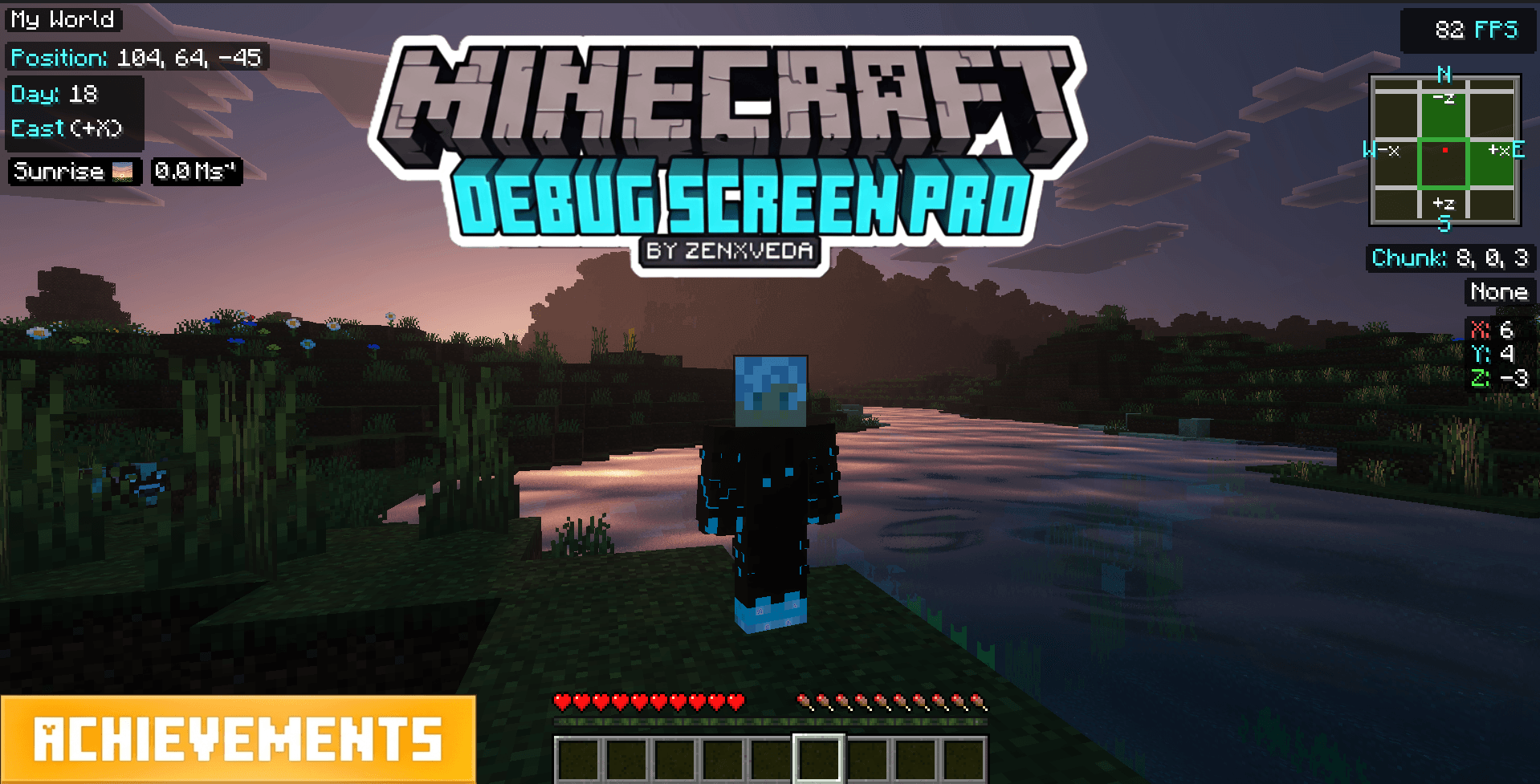
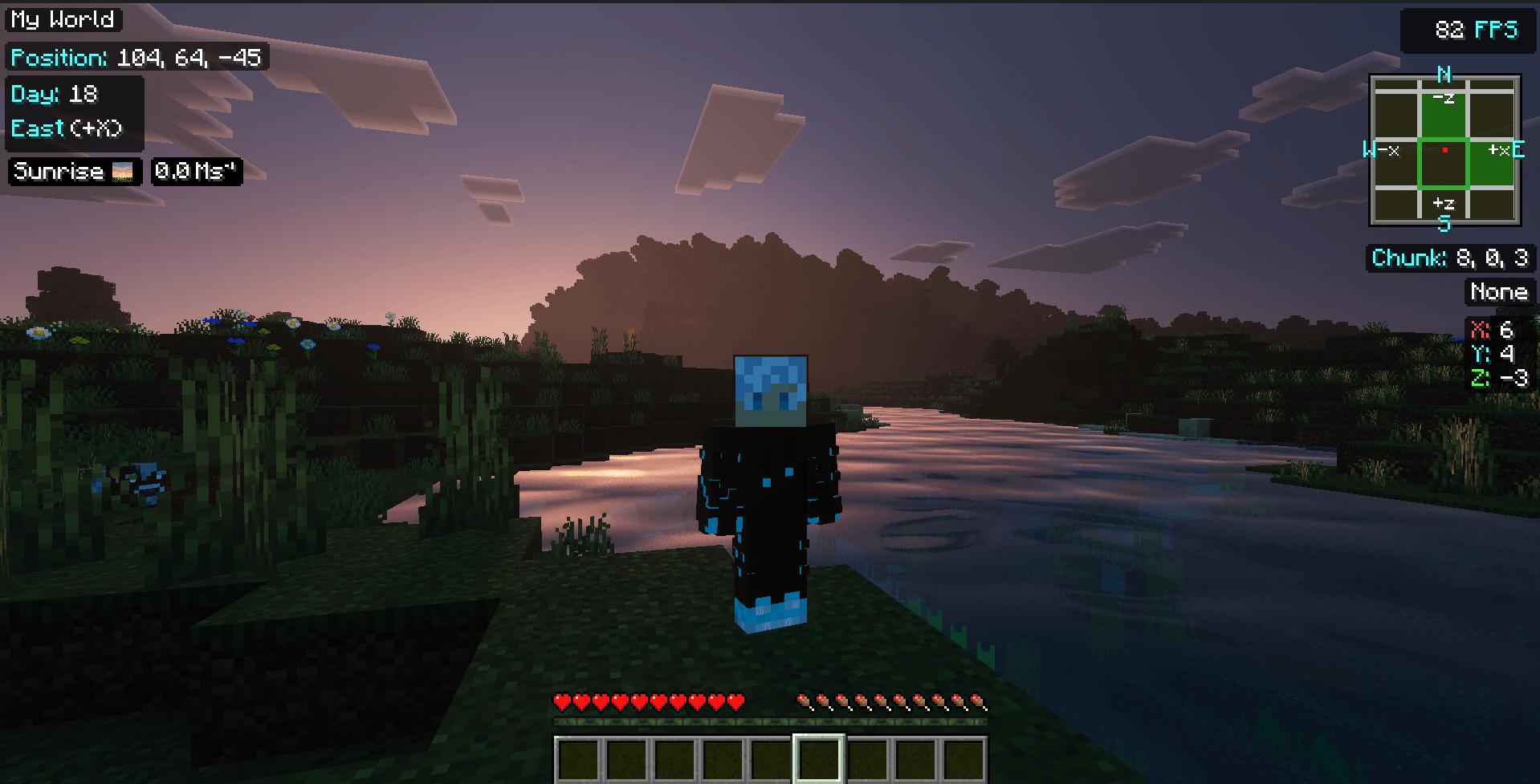
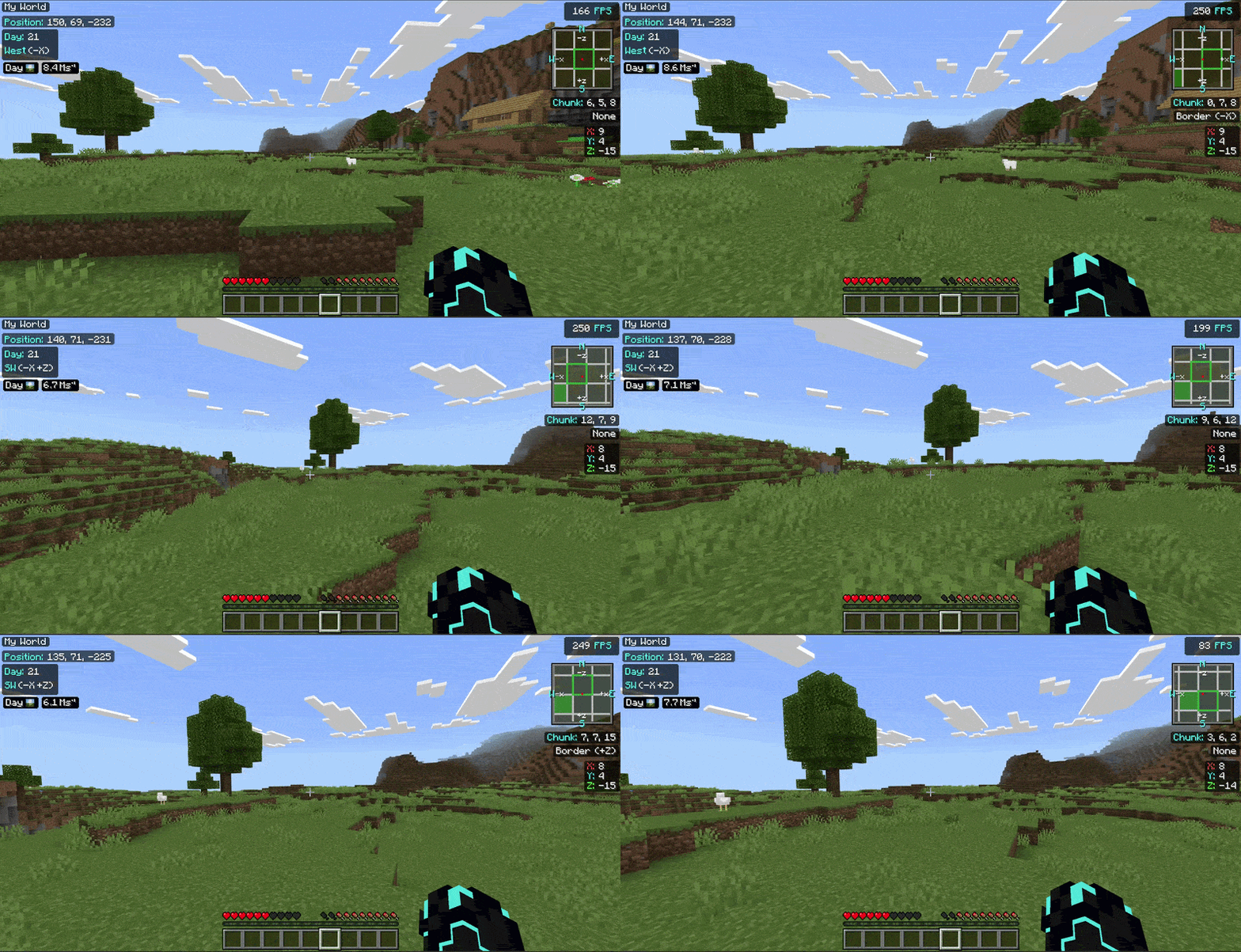
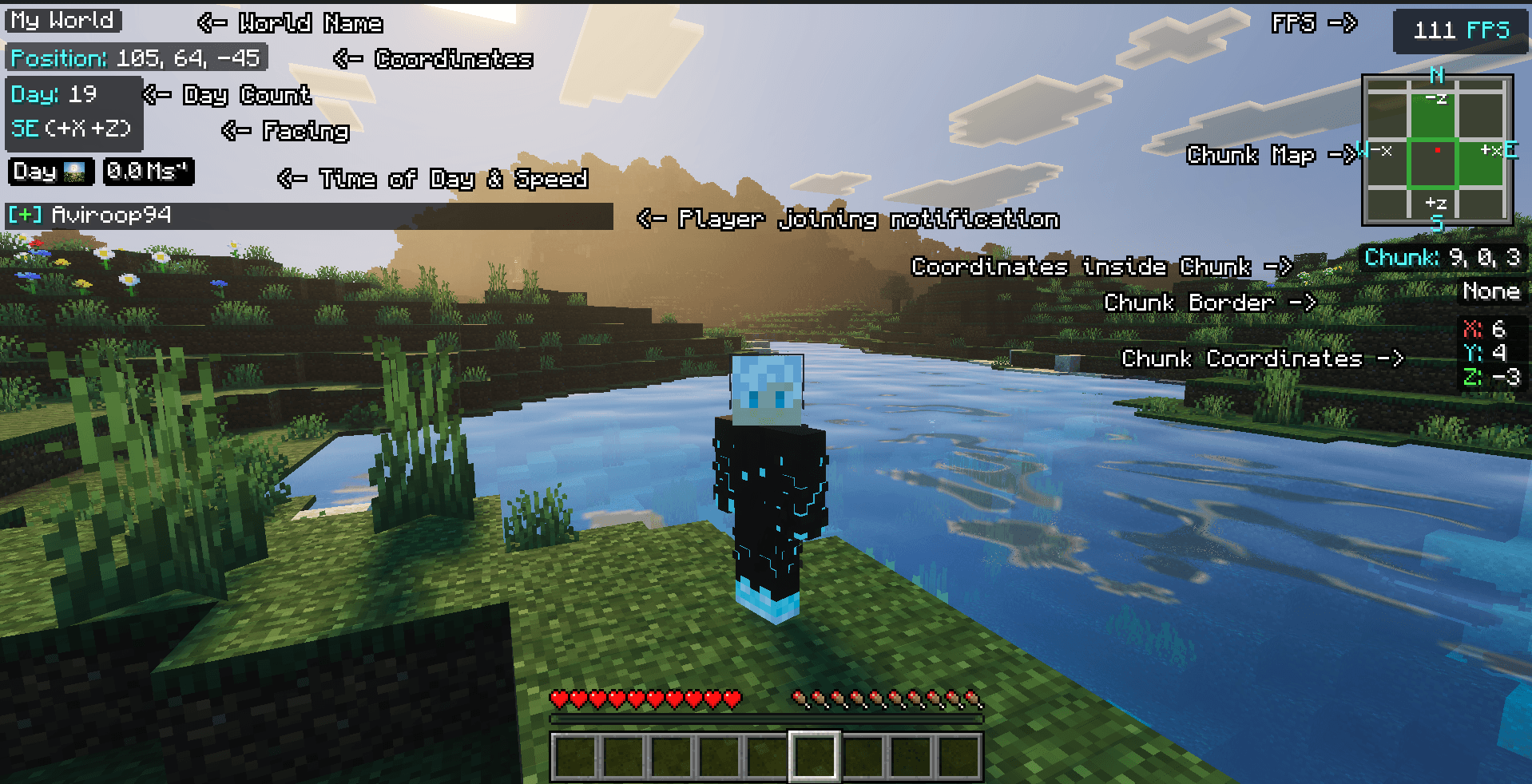
Debug Screen Pro is a resource pack by ZenXveda that brings the classic Java Edition F3 debug screen to Minecraft Bedrock Edition. The overlay shows your coordinates, facing direction, current FPS, and in-game day and time in a compact, non-intrusive layout, and it also displays the world's name. Two versions are offered to match the player's UI profile: a Classic version for the Classic UI and a Pocket version re-engineered to fit the Pocket UI without overlaps, so players should download the one that matches their setting. Time of day is shown with custom HD icons for sunrise, noon, sunset, night, and midnight, which help players plan their days. The pack also includes a real-time speed tracker, a minimap chunk viewer with chunk borders and chunk coordinates, and on-screen notifications when players join or leave. Because it is built with UI and entity rendering rather than scripts, it requires no cheats or experimental toggles, does not modify player.json, and leaves achievements available in survival worlds. The debug screen appears automatically when you load into a world, and it can be toggled with the F8 key on PC or the ZXV button on mobile and console. According to the listing, it works on Windows, mobile, and console versions of Minecraft Bedrock Edition from version 1.20 onward.
Written from CurseForge . How we write it
At a glance
- Download
- Files for Bedrock 1.20 to 26.60.
- Privacy
- Nothing sent.
- Releases
- Latest release on 23 Nov 2026.
- Statistics
- No daily count yet.
Every current file
See each file in ReleasesThe newest release or beta for each Bedrock version, on CurseForge.
Have a copy of Debug Screen Pro? Check that it is the official one.
Drop it here. We compare its fingerprint with the official Debug Screen Pro files. A file we do not know is not sent: we only say what its manifest declares.
Creators
Who makes Debug Screen Pro, with their most downloaded other projects.
- ZenXvedaAuthor, 22 projects
 ZenXveda Shaders, Passed
 Java Regeneration and Saturation, Passed
 Ultimate PvP by ZenXveda, Passed
 BSL ZenXveda Shaders, Passed
 ZenXveda Dynamic Lights, Passed
 Glowing Ores Pro, Passed
 ZenXveda Health Indicator Bar, Passed
 ZenXveda Auto Totem, Passed
 ZenXveda Vanilla+ Shaders, Passed
 Infinite TNT Duper!, Passed
 ZenXveda Advance Enchanting Table, Passed
 ZenXveda High-FPS Optimizer, Passed
 ZenXveda Essentials, Passed
 Glowing Armor Trims Pro, Passed
 ZenXveda: Reimagined Shaders, Passed
 Potions Extended: 17+ Potions [Achievements ON], Passed
 Dynamic Happy Ghast Flight, Passed
 Villager Trade Unlocker by ZenXveda, Passed
 Immortal Pets [Achievement Friendly], Passed
 One Block by ZenXveda, Passed
 ZenXveda: Unbound Shaders, Passed
Source and links
- Pages
- On CurseForge
Something wrong here? Report a mistake
Something wrong here? Report a mistake
Something wrong here? Report a mistake
Nothing sent
A add-on without scripts has no code that can connect to the internet.
What we checked
We read the manifest and every script of its files, and list the web addresses the scripts write.
- Files checked
- Its 2 current files. See each file in Releases
- Scripts
- None.
Something wrong here? Report a mistake
Something wrong here? Report a mistake
Something wrong here? Report a mistake
Something wrong here? Report a mistake
Something wrong here? Report a mistake
- Downloads
- 67KOn CurseForge
- Created
- 11 Jul 2026
- Latest release
- 23 Nov 2026
- License
- All rights reserved
Its newest file
What we read in the file: its packs, their manifests and their scripts.
- File
Debug-Screen-Pro-Pocket-v1.4.4.mcpack· 1.7 MB- Kind
- A pack file (.mcpack): a resource pack, imported into the game.
- Pack
- Scripts
- None.
Something wrong here? Report a mistake