Gamemode Switcher Stick || Achievements Friendly by UpCraftX
Switch between Survival and Creative by crouching with a Stick.
How we got this result
- Files checkedWe compare the fingerprint and the content of each file with the malware we and others have found, and look at what is inside it.1 of 1 current fileLast checked on 26 Nov 2026
- AntivirusClamAV and YARA, two antivirus scanners, check each current file and the files inside it, up to our size limits. A person reviews every match.0 of 1 current file
- Passed Nothing harmful foundOur checks look for known signs of harm. They cannot prove that a file is harmless.
About
From its official pages
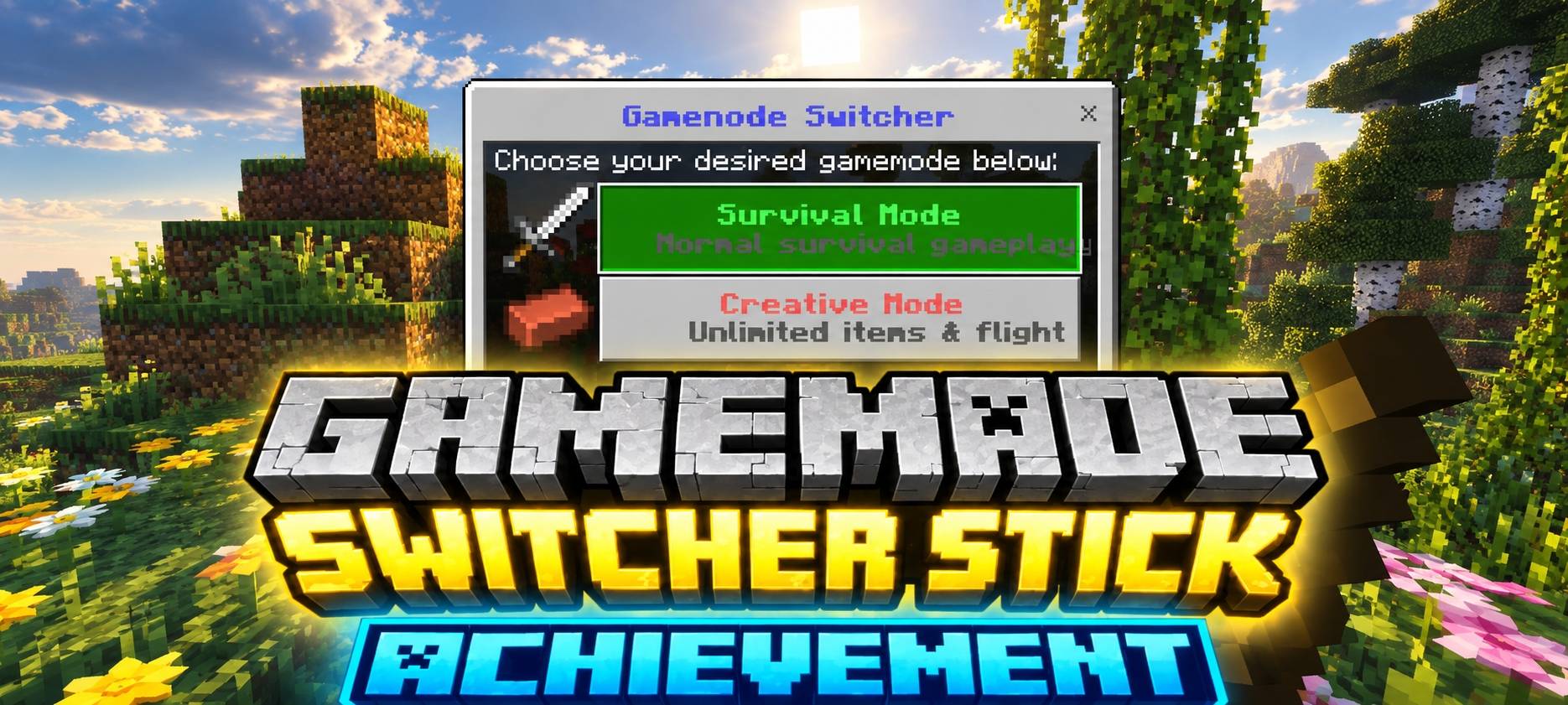
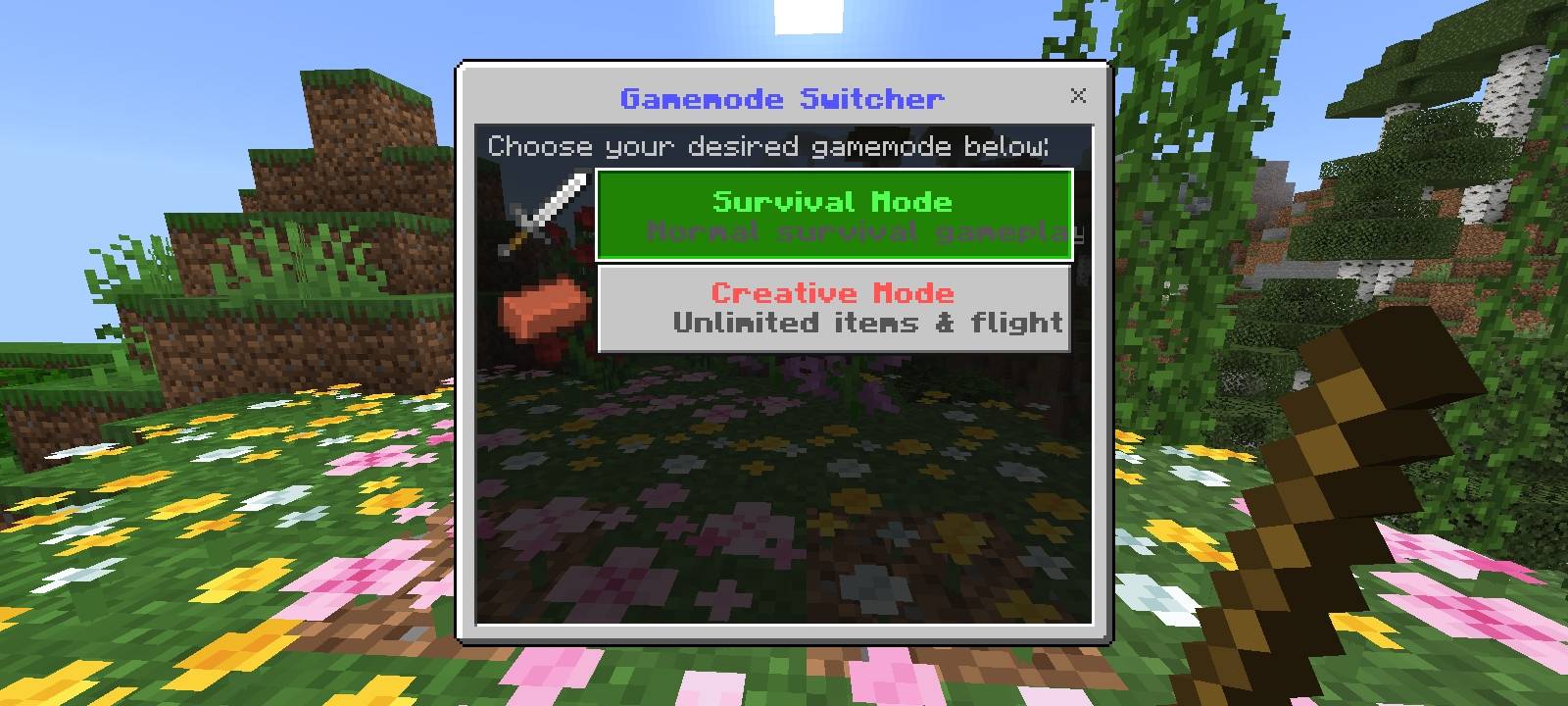
Gamemode Switcher Stick [Achievements Friendly] is a lightweight Minecraft Bedrock add-on by UpCraftX that lets players switch between Survival and Creative mode quickly without typing /gamemode commands. The add-on uses a plain vanilla Stick as its activation item, so no custom item is needed: holding a Stick and crouching or sneaking opens a dedicated switcher menu. Selecting Survival Mode or Creative Mode in the menu changes the player's gamemode instantly, and a level-up sound plays to confirm the switch. Creative Mode gives unlimited items and flight, while Survival Mode returns the player to normal survival gameplay. A short cooldown of about 1.5 seconds keeps the menu from reopening repeatedly while the player keeps crouching. The add-on is designed to keep gameplay lightweight and achievement-friendly, though achievement availability can still depend on the world, its settings, and other active add-ons. It runs as a behavior pack with a small script-based detection system and requires the behavior pack to be enabled in the world, with Minecraft Bedrock version 1.21.100 or later. Other add-ons that modify gamemode commands, player scripts, or UI systems may cause compatibility issues.
Written from CurseForge . How we write it
At a glance
- Privacy
- None found.
- Releases
- Latest release on 9 Sep 2026.
- Statistics
- No daily count yet.
Every current file
See each file in ReleasesThe newest release or beta for each Bedrock version, on CurseForge.
Passed
Have a copy of Gamemode Switcher Stick || Achievements Friendly by UpCraftX? Check that it is the official one.
Drop it here. We compare its fingerprint with the official Gamemode Switcher Stick || Achievements Friendly by UpCraftX files. A file we do not know is not sent: we only say what its manifest declares.
Creators
Who makes Gamemode Switcher Stick || Achievements Friendly by UpCraftX, with their most downloaded other projects.
- UpCraftXAuthor, 11 projects
 X-Ray Pro By UpCraftX, Passed
 Instant Night Vision [Achievement Friendly], Passed
 Jurassic World DinoCraft Survival, Passed
 Automatic Enchantments || Achievements Friendly, Passed
 Better Sofas & Chairs Addon, Passed
 Ultimate Starter Kit || Achievements Friendly By UpCraftX, Passed
 Infinite Durability| | Achievements Friendly By UpCraftX, Passed
 Ancient Beasts Creature Evolution, Passed
 Durability Alert || Achievements Friendly, Passed
 Samurai Armours Textures, Passed
Source and links
- Pages
- On CurseForge
Something wrong here? Report a mistake
Something wrong here? Report a mistake
Something wrong here? Report a mistake
None found
Its scripts send no web requests. A Bedrock script can only go online with @minecraft/server-net, and its scripts do not use it.
What we checked
We read the manifest and every script of its files, and list the web addresses the scripts write.
- Files checked
- Its current file. See each file in Releases
- Scripts
- In its file.
- Web addresses
- None.
Something wrong here? Report a mistake
Something wrong here? Report a mistake
Something wrong here? Report a mistake
Something wrong here? Report a mistake
Something wrong here? Report a mistake
- Downloads
- 7.7KOn CurseForge
- Created
- 9 Sep 2026
- Latest release
- 9 Sep 2026
- License
- All rights reserved
Its newest file
What we read in the file: its packs, their manifests and their scripts.
- File
GameMode Switcher Stick [Achievements Friendly].mcpack· 2.0 MB- Kind
- A pack file (.mcpack): a behavior pack, imported into the game.
- Pack
- Scripts
- 1 JavaScript file, run by the game.
- Script modules
@minecraft/server,@minecraft/server-ui
Something wrong here? Report a mistake