
How we got this result
- Files checkedWe compare the fingerprint and the content of each file with the malware we and others have found, and look at what is inside it.1 of 1 current fileLast checked on 26 Nov 2026
- AntivirusClamAV and YARA, two antivirus scanners, check each current file and the files inside it, up to our size limits. A person reviews every match.0 of 1 current file
- Passed Nothing harmful foundOur checks look for known signs of harm. They cannot prove that a file is harmless.
About
From its official pages
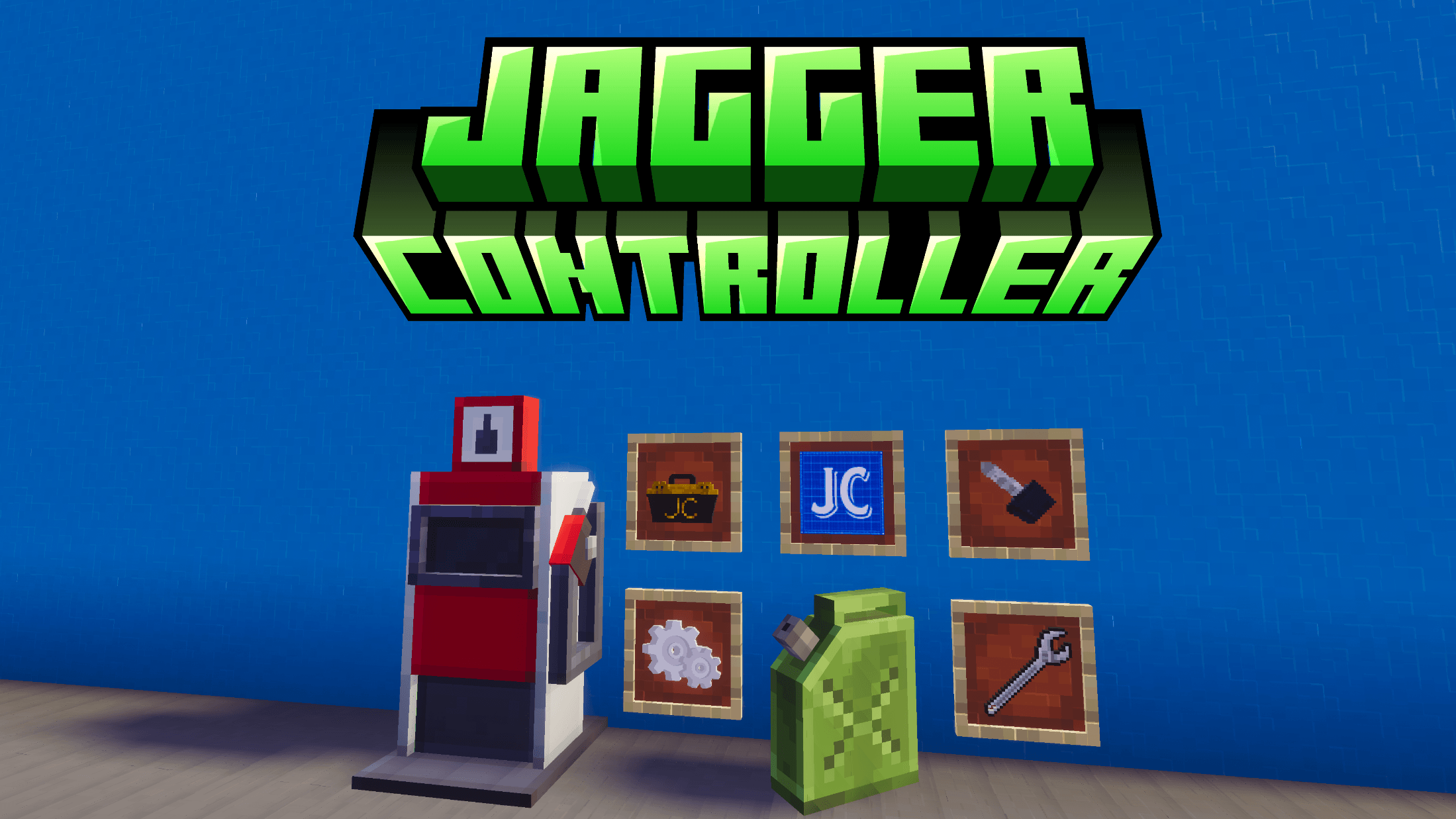
JaGGeR Controller is the required core engine for JaGGeR vehicle add-ons, providing the driving physics, transmissions, keys, turn signals, refueling and HUD that those vehicles rely on. On its own it does not include any vehicles, so players need to install a compatible vehicle pack such as the Nuckem Vehicles Pack or the Mercedes-Benz Sprinter Minibus Add-On to have vehicles to drive. Vehicles lean and tilt to follow hills, slopes and ramps, and heavy vehicles lose speed on inclines, so gear changes matter when driving uphill. Holding Jump while turning starts a drift with tire smoke and exhaust backfire, and releasing it gives a brief boost. The controller offers a manual sequential gearbox with Gears 1 to 5, Neutral and Reverse, where shifts produce realistic RPM drops, as well as a full automatic mode in P, R, N and D that chooses gears based on speed and throttle. A cruise-style speed limiter in the settings lets drivers set a maximum speed for automatic driving. Each spawned vehicle generates its own key, and only that matching key starts it, while a universal master key can start and open any vehicle. Right-clicking a vehicle from outside with its key locks or unlocks it, with alarm sounds and automatic closing of open doors, trunks and hoods, and dismantling a vehicle with a wrench removes its matching keys from nearby inventories. Turn signals and hazard lights can be operated with on-screen buttons on mobile, with hotbar slots 1, 2 and 3 on PC or console, or with /scriptevent commands for left, right and hazard toggles. Fuel pumps refuel nearby vehicles to full when the nozzle is grabbed, and fuel canisters hold up to 20 liters and can be placed on the ground. Ramming a fuel pump at high speed causes a large fiery explosion. Vehicles support multiple seats so passengers can ride along and operate their own doors, and they include storage trunks and hoods that close automatically once driving begins. Camera options include a standard view, a dynamic chase camera, a reversing front view and a collision-free free camera that glides behind the vehicle without clipping into blocks. The HUD can show speed in KM/H or MPH and offers six screen layout presets, while performance settings let players turn off drift trails, tire smoke, backfire sparks, sand spray and crash sounds on weaker devices. For servers, a built-in tag system lets administrators lock critical settings such as fuel, damage and explosive pump options as global rules for regular players, while admins can change those rules and regular players still control their own transmission, HUD, camera and effects preferences.
Written from CurseForge . How we write it
At a glance
- Privacy
- None found.
- Releases
- Latest release on 16 Oct 2026.
- Statistics
- No daily count yet.
Every current file
See each file in ReleasesThe newest release or beta for each Bedrock version, on CurseForge.
Passed
Have a copy of JaGGeR Controller? Check that it is the official one.
Drop it here. We compare its fingerprint with the official JaGGeR Controller files. A file we do not know is not sent: we only say what its manifest declares.
Creators
Who makes JaGGeR Controller, with their most downloaded other projects.
- JaGGeR3Author, 5 projects


Source and links
- Pages
- On CurseForge
Something wrong here? Report a mistake
Something wrong here? Report a mistake
Something wrong here? Report a mistake
None found
Its scripts send no web requests. A Bedrock script can only go online with @minecraft/server-net, and its scripts do not use it.
What we checked
We read the manifest and every script of its files, and list the web addresses the scripts write.
- Files checked
- Its current file. See each file in Releases
- Scripts
- In its file.
- Web addresses
- None.
Something wrong here? Report a mistake
Something wrong here? Report a mistake
Something wrong here? Report a mistake
Something wrong here? Report a mistake
Something wrong here? Report a mistake
- Downloads
- 4.3KOn CurseForge
- Created
- 16 Oct 2026
- Latest release
- 16 Oct 2026
- License
- All rights reserved
Its newest file
What we read in the file: its packs, their manifests and their scripts.
- File
JaGGeR Controller 1.0.mcaddon· 4.2 MB- Kind
- An add-on file (.mcaddon): one or more packs, imported together into the game.
- 2 packs
- Scripts
- 1 JavaScript file, run by the game.
- Script modules
@minecraft/server,@minecraft/server-ui- Obfuscated or encoded code
JaGGeR Controller 1.0 BP/scripts/main_jaggermdz.js
Something wrong here? Report a mistake