How we got this result
- Files checkedWe compare the fingerprint and the content of each file with the malware we and others have found, and look at what is inside it.3 of 3 current filesLast checked on 26 Nov 2026
- AntivirusClamAV and YARA, two antivirus scanners, check each current file and the files inside it, up to our size limits. A person reviews every match.0 of 3 current files
- Passed Nothing harmful foundOur checks look for known signs of harm. They cannot prove that a file is harmless.
About
From its official pages
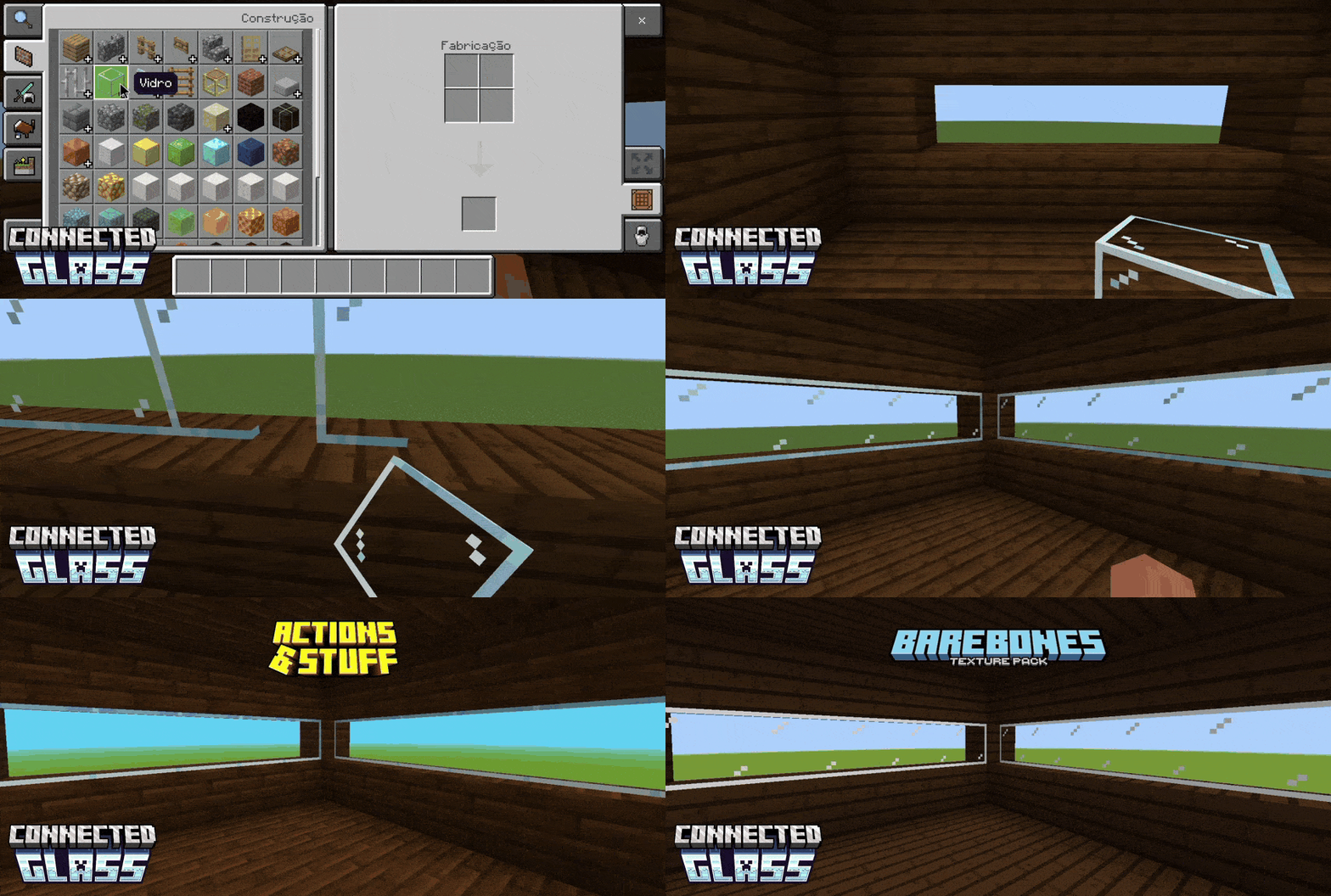
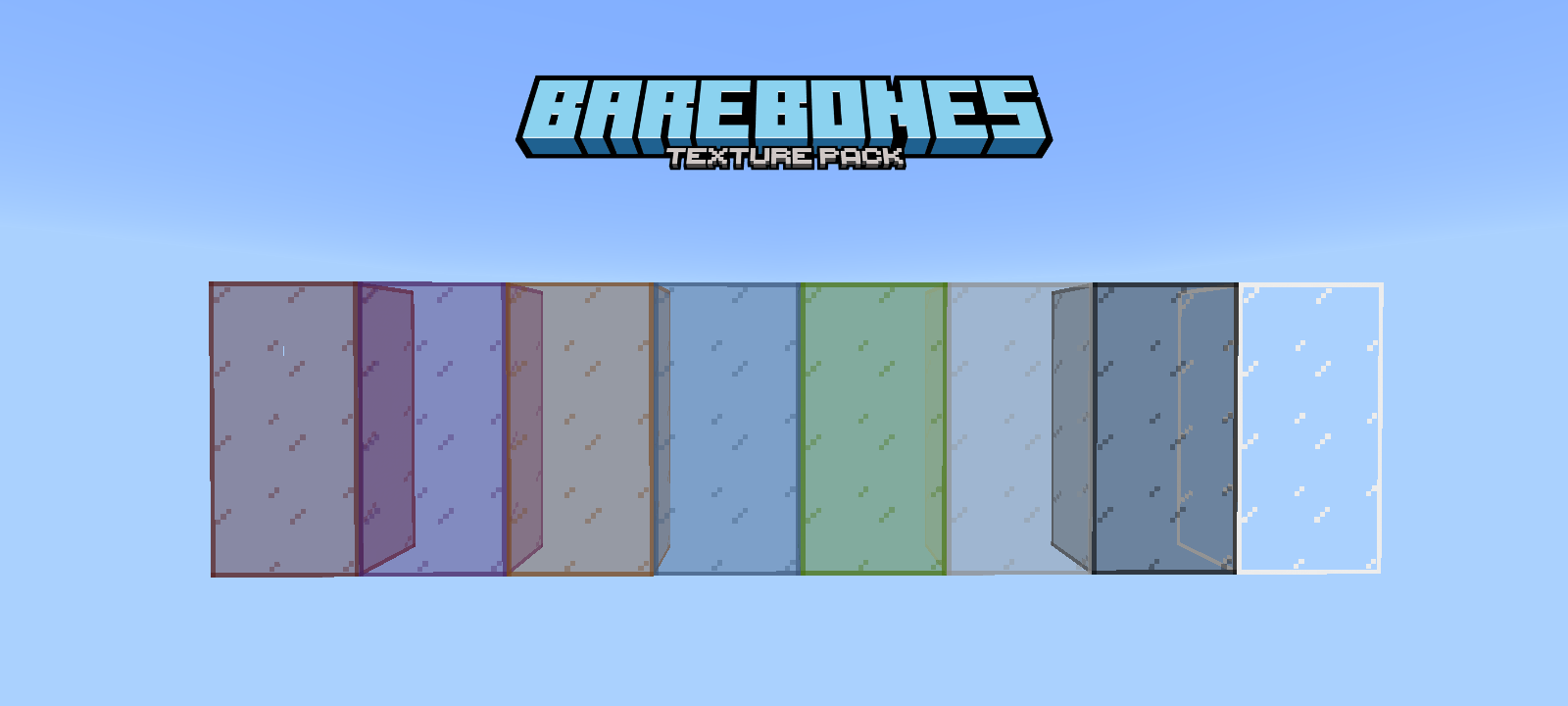
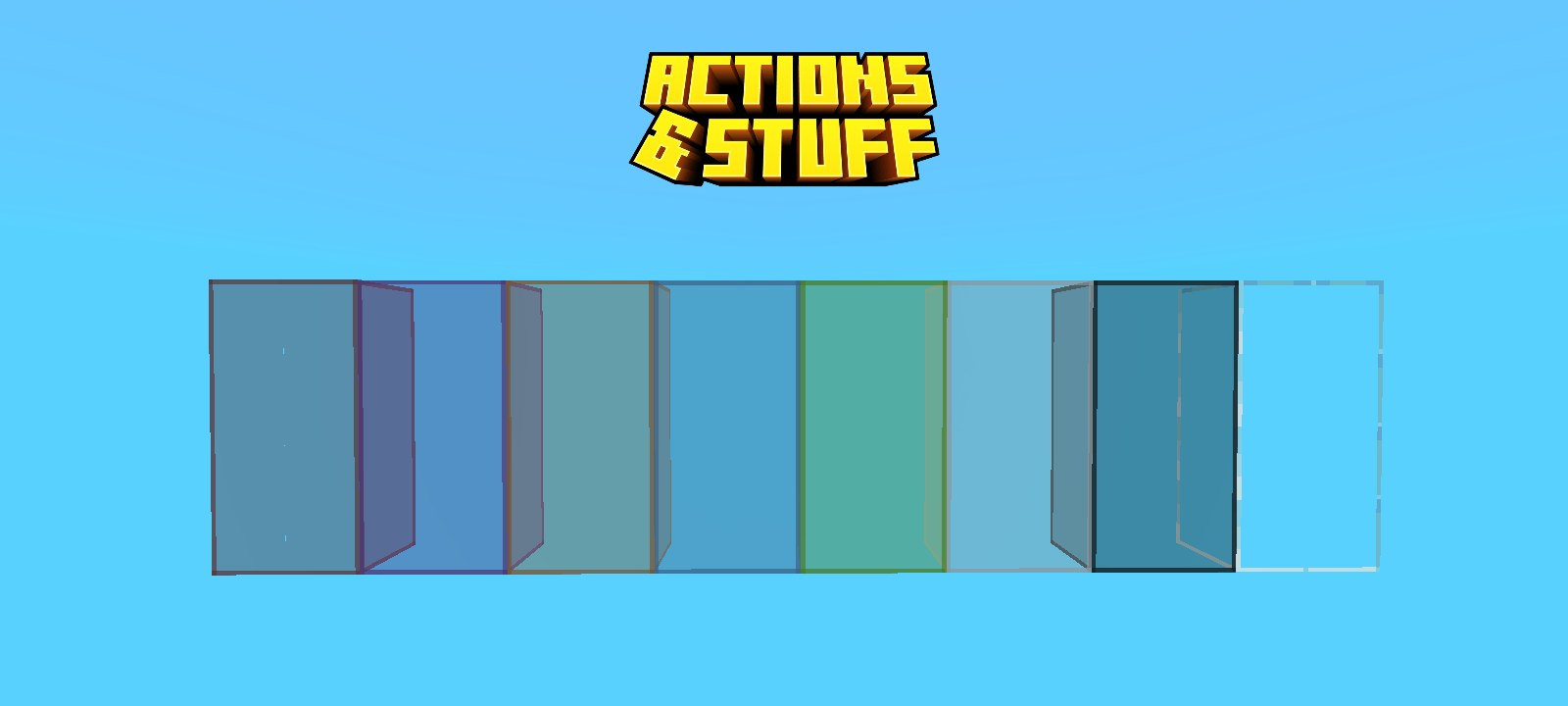
Connected Glass is a Minecraft Bedrock add-on that adds connected glass blocks, so that glass placed in the world joins seamlessly with neighboring glass panes instead of showing separate edges. When a player places a Glass block, it automatically transforms into a Connected Glass block with seamless textures, and the add-on does not replace vanilla glass but only intercepts placement. The add-on uses vanilla textures, so it works with any texture pack, although the seamless look may not display well with every pack. It works in existing worlds, where breaking and replacing old glass blocks updates them to the connected version, and it requires no experimental features. A settings menu lets players configure the glass, which can be opened by sneaking while holding any glass block and interacting with air, or by using the kwz:glass_config command, and only players with host permission can open it.
Written from CurseForge . How we write it

At a glance
- Privacy
- None found.
- Releases
- Latest release on 14 Nov 2026.
- Statistics
- No daily count yet.
Every current file
See each file in ReleasesThe newest release or beta for each Bedrock version, on CurseForge.
Passed
Have a copy of KwZ's Connected Glass - Hotfix 5.1.0? Check that it is the official one.
Drop it here. We compare its fingerprint with the official KwZ's Connected Glass - Hotfix 5.1.0 files. A file we do not know is not sent: we only say what its manifest declares.
Creators
Who makes KwZ's Connected Glass - Hotfix 5.1.0, with their most downloaded other projects.
- kazwttoAuthor, 4 projects


Source and links
- Pages
- On CurseForge
Something wrong here? Report a mistake
Something wrong here? Report a mistake
Something wrong here? Report a mistake
None found
Its scripts send no web requests. A Bedrock script can only go online with @minecraft/server-net, and its scripts do not use it.
What we checked
We read the manifest and every script of its files, and list the web addresses the scripts write.
- Files checked
- Its 3 current files. See each file in Releases
- Scripts
- In each of them.
- Web addresses
- None.
Something wrong here? Report a mistake
Something wrong here? Report a mistake
Something wrong here? Report a mistake
Something wrong here? Report a mistake
Something wrong here? Report a mistake
- Downloads
- 215KOn CurseForge
- Created
- 2 Nov 2025
- Latest release
- 14 Nov 2026
- License
- All rights reserved
Its newest file
What we read in the file: its packs, their manifests and their scripts.
- File
Connected-Glass-5.1.0.mcaddon· 133.3 KB- Kind
- An add-on file (.mcaddon): one or more packs, imported together into the game.
- 2 packs
- Scripts
- 1 JavaScript file, run by the game.
- Script modules
@minecraft/server,@minecraft/server-ui
Something wrong here? Report a mistake