
How we got this result
- Files checkedWe compare the fingerprint and the content of each file with the malware we and others have found, and look at what is inside it.3 of 3 current filesLast checked on 25 Nov 2026
- AntivirusClamAV and YARA, two antivirus scanners, check each current file and the files inside it, up to our size limits. A person reviews every match.0 of 3 current files
- Passed Nothing harmful foundOur checks look for known signs of harm. They cannot prove that a file is harmless.
About
From its official pages
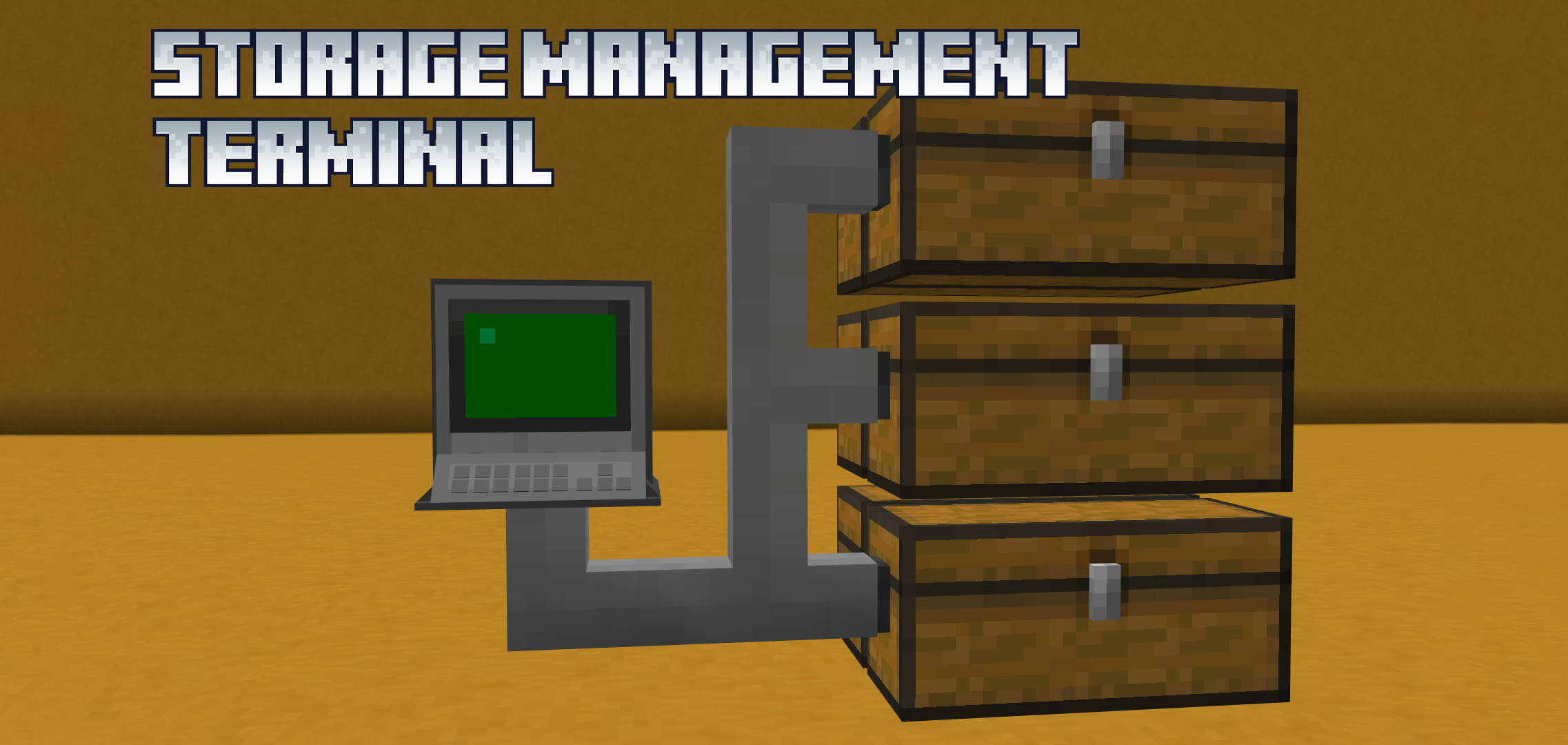
Storage Terminal is a Minecraft Bedrock addon that lets you manage a large number of chests from a single block. You place the terminal where you like, connect it to chests with cables, and then interact with it to see a list of all connected chests along with search and more options buttons. From the terminal you can save items into a chosen chest using options to save a selected item, quick save the item in your hand, or save your whole inventory or only part of it, such as the hotbar or equipment. You can also let the terminal pick the destination chest automatically, choosing the first chest, the last chest, one already holding similar items, or a random one. To retrieve items, you choose a chest, then an item and a quantity, or use the take all option to grab everything from a chest. The all containers view lists the items across every connected chest, and the terminal settings let you change how many chests appear per page. Search lists the chests holding matching items, and inside a chest the matches are highlighted in red, with the rest of the contents still visible unless you choose to show only search results. Search matches item identifiers rather than displayed names, so searches work with English words only, and an option lets you ignore the namespace so that a term like minecraft does not match every vanilla item. With a remote device you can connect to a terminal from a distance, which is useful for saving items when your inventory is full or for grabbing tools or food, and you can also click containers such as hoppers, dispensers, droppers, and jukeboxes directly. Remote connection depends on signal strength, which is measured by the active chunks around the terminal, so raising the simulation distance in world settings can help prevent disconnections or chests failing to load. Chest buttons show the coordinates, slot usage, and container type, while item buttons show amount, durability, and enchantments, and a container option can point you to a chest's physical location. Settings also include options to hide empty chests, close the menu after taking or saving an item, and change the interface language among English, Italian, Spanish, and Portuguese.
Written from CurseForge . How we write it
At a glance
- Privacy
- None found.
- Releases
- Latest release on 30 Apr 2026.
- Statistics
- No daily count yet.
Every current file
See each file in ReleasesThe newest release or beta for each Bedrock version, on CurseForge.
1.21.130 to 26.10StorageTerminal V1.3.3.mcaddonPassedFile checked on 25 Nov 2026No antivirus scan yet
Passed
Have a copy of Storage Terminal? Check that it is the official one.
Drop it here. We compare its fingerprint with the official Storage Terminal files. A file we do not know is not sent: we only say what its manifest declares.
Creators
Who makes Storage Terminal, with their most downloaded other projects.
- Effect99Author, 18 projects
 Random Loot - Blocks, Passed
 GraveStones, Passed
 Lucky blocks, Passed
 All-Purpose Drone, Passed
 Java MobCap, Passed
 Treecapitator (Any Axe), Passed
 Random Loot - Mobs, Passed
 VeinMiner (Any pickaxe), Passed
 Shared Inventory, Passed
 Voxel Builder, Passed
 Experience Storage, Passed
 Random loot - Rain of Items, Passed
 Fast hoppers, Passed
 Floating Containers, Passed
 Conveyor tube, Passed
 Midas Touch, Passed
 Rangefinder, Passed
Source and links
- Pages
- On CurseForge
Something wrong here? Report a mistake
Something wrong here? Report a mistake
Something wrong here? Report a mistake
None found
Its scripts send no web requests. A Bedrock script can only go online with @minecraft/server-net, and its scripts do not use it.
What we checked
We read the manifest and every script of its files, and list the web addresses the scripts write.
- Files checked
- Its 3 current files. See each file in Releases
- Scripts
- In each of them.
- Web addresses
- None.
Something wrong here? Report a mistake
Something wrong here? Report a mistake
Something wrong here? Report a mistake
Something wrong here? Report a mistake
Something wrong here? Report a mistake
- Downloads
- 54KOn CurseForge
- Created
- 14 Dec 2024
- Latest release
- 30 Apr 2026
- License
- All rights reserved
Its newest file
What we read in the file: its packs, their manifests and their scripts.
- File
StorageTerminal V1.3.3.mcaddon· 592.6 KB- Kind
- An add-on file (.mcaddon): one or more packs, imported together into the game.
- 2 packs
- Scripts
- 5 JavaScript files, run by the game.
- Script modules
@minecraft/server,@minecraft/server-ui
Something wrong here? Report a mistake