
How we got this result
- Files checkedWe compare the fingerprint and the content of each file with the malware we and others have found, and look at what is inside it.1 of 1 current fileLast checked on 26 Nov 2026
- AntivirusClamAV and YARA, two antivirus scanners, check each current file and the files inside it, up to our size limits. A person reviews every match.0 of 1 current file
- Passed Nothing harmful foundOur checks look for known signs of harm. They cannot prove that a file is harmless.
About
From its official pages
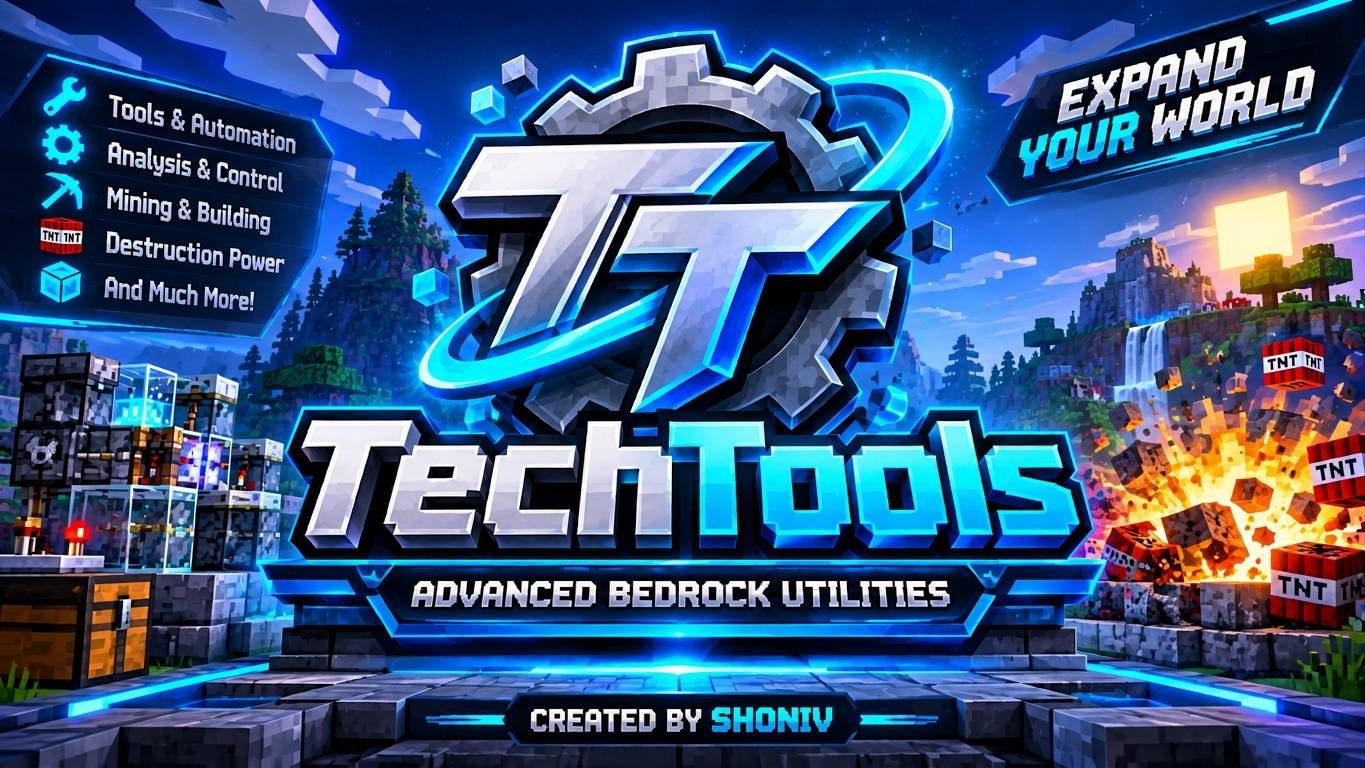
TechTools is a Minecraft Bedrock addon by ShoniV that brings together a wide collection of technical tools, automation systems, world analysis features, building assistance, mining utilities and advanced gameplay features. It is aimed at simplifying tasks, improving world management and offering new possibilities for technical players, builders and survival players. Its visual tools let you select rectangular regions with two points, displayed with cubes and particles, and mark positions with the Technical Wand. A HUD and Inspector can show block names and IDs, coordinates, redstone signals, light levels, the current biome, entity information, TPS, world time and simulation distance. A Spawn Monitor records nearby entity spawns, filters them by hostile, passive, popular or custom-ID types, and can save sessions for later review. Chunk visualization includes chunk border lines, a nearby slime chunk locator and an ocean monument locator. Analysis tools include a Block Analyzer that counts blocks in a selected area, a Nearby Entity Analyzer, an Entity Finder that marks entities with beams, a Chunk Analyzer, a Biome Finder and a Coordinate Converter between the Overworld and Nether using the 8:1 ratio. Assistance tools include Block Fill, which fills empty spaces with blocks from your inventory in several shapes, Instant Concrete, which hardens concrete powder when placed, and Facing Helper, which rotates supported blocks such as furnaces, pistons, logs and stairs without breaking them. Miner tools include Tree Feller, which fells whole trees and their leaves, Auto Tools, which switches to a suitable tool, and Drop Magnet, which pulls mined drops into your inventory. Auto Crops harvests and replants crops, No Drops prevents chosen blocks from dropping items, and Smart Stock uses nearby containers to restock your hotbar and offhand. TPS and MSPT controls let you view and adjust server update pacing, and a crop and baby-animal growth boost speeds up growth within an adjustable radius. Freecam offers a camera independent of your character with adjustable speed, night vision and chunk loading around the camera, and it can be activated through commands, a stick or a jump-and-sneak combination. Saved coordinates, death history and chunk loaders let you store and share locations, revisit previous death sites, and keep selected areas loaded. The Omni Breaker is a special pickaxe that can break bedrock, obsidian, ancient debris, spawners, portals, end portal frames, command blocks and other highly resistant blocks, with vein mining and automatic smelting. Mining Rush gives a large mining speed boost to pickaxes, axes, shovels and hoes when activated through an anvil rename. Custom TNT types include Infinite TNT, which can be reused, Perimeter TNT, which clears a ring of blocks around an explosion, and Horizontal TNT, which travels sideways when launched from a dispenser. Commands with the /tt: prefix open the menu, give the Technical Wand, control FreeCam, stopwatch, item counter and tick settings, and toggle assistance tools. The addon supports Survival, Hardcore and Creative modes, offers menus in English, Spanish and Japanese, and some features must be enabled in the menu before use.
Written from CurseForge . How we write it
At a glance
- Download
- Files for Bedrock 26.0.
- Privacy
- None found.
- Releases
- Latest release on 5 Nov 2026.
- Statistics
- No daily count yet.
Every current file
See each file in ReleasesThe newest release or beta for each Bedrock version, on CurseForge.
Have a copy of TechTools? Check that it is the official one.
Drop it here. We compare its fingerprint with the official TechTools files. A file we do not know is not sent: we only say what its manifest declares.
Creators
Who makes TechTools, with their most downloaded other projects.
- ShoniVAuthor, 18 projects
 FreeCam, Passed
 Java Regeneration, Passed
 Tree Feller, Passed
 Perimeter TNT, Passed
 Enhanced Lighting, Passed
 InstaMiner Tools, Passed
 Omni Breaker, Passed
 Copper Golem Optimizer, Passed
 DayChanger, Passed
 TNT Infinite, Passed
 DynamicLife, Passed
 DefaultMode, Passed
 Happy Ghast Boost, Passed
 Legacy Raids, Passed
 DeathNote, Passed
 Instant Concrete, Passed
 BlockFlow, Passed
Source and links
- Pages
- On CurseForge
Something wrong here? Report a mistake
Something wrong here? Report a mistake
Something wrong here? Report a mistake
None found
Its scripts send no web requests. A Bedrock script can only go online with @minecraft/server-net, and its scripts do not use it.
What we checked
We read the manifest and every script of its files, and list the web addresses the scripts write.
- Files checked
- Its current file. See each file in Releases
- Scripts
- In its file.
- Web addresses
- None.
Something wrong here? Report a mistake
Something wrong here? Report a mistake
Something wrong here? Report a mistake
Something wrong here? Report a mistake
Something wrong here? Report a mistake
- Downloads
- 3.6KOn CurseForge
- Created
- 27 Sep 2026
- Latest release
- 5 Nov 2026
- License
- All rights reserved
Its newest file
What we read in the file: its packs, their manifests and their scripts.
- File
Technical_Tools_V3.0.0.mcaddon· 4.5 MB- Kind
- An add-on file (.mcaddon): one or more packs, imported together into the game.
- 2 packs
- Scripts
- 70 JavaScript files, run by the game.
- Script modules
@minecraft/server,@minecraft/server-ui- Obfuscated or encoded code
BP_Technical_ShoniV/scripts/main.js,BP_Technical_ShoniV/scripts/assistance/autoCrops.js,BP_Technical_ShoniV/scripts/assistance/autoTools.js, and 57 more
Something wrong here? Report a mistake