Better World Edit: Worldedit for Bedrock
Bedrock add-on by PrAppleJuice
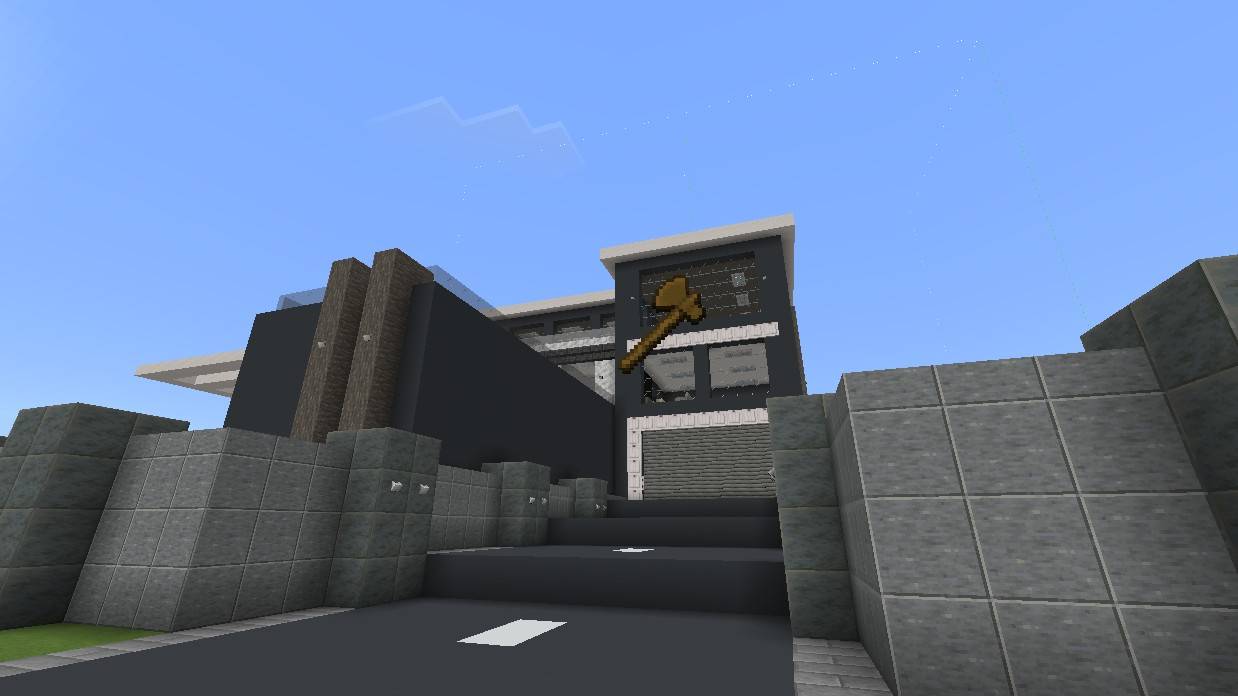
Use a wooden axe to select and fill areas of blocks.
How we got this result
- Files checkedWe compare the fingerprint and the content of each file with the malware we and others have found, and look at what is inside it.1 of 1 current fileLast checked on 26 Nov 2026
- AntivirusClamAV and YARA, two antivirus scanners, check each current file and the files inside it, up to our size limits. A person reviews every match.0 of 1 current file
- Passed Nothing harmful foundOur checks look for known signs of harm. They cannot prove that a file is harmless.
About
From its official pages
Better World Edit is a WorldEdit-style addon for Minecraft Bedrock that makes large-scale building easier for players in creative mode. Instead of finding coordinates and typing commands by hand, players use a wooden axe to mark two corners of a selection: breaking a block sets the first position, and breaking a block while crouching sets the second. The two positions form an invisible rectangular box between opposite corners, and they stay fixed until the player changes them with the axe. Once a selection is made, short commands act on every block inside it, and operator commands must be enabled for them to work. The /set and /replace commands fill a selection with a chosen block, with /replace limited to swapping out one specific block type, while /keep replaces everything except one chosen type. Shape tools include /walls, which builds the sides of a selection, and /box, which adds a floor and roof to those walls, along with /floor and /roof for the bottom and top layers. Utility commands include /center, which places a block at the exact center of the selection, /drain, which removes water and lava, and /color, which recolors carpets, glass, wool, concrete, terracotta, shulker boxes and similar blocks. The /itemlist and /blocklist commands produce a list of the items in containers or the blocks inside a selection, which can be copied to the clipboard on supported devices. Curved builds are supported through /sphere, /ellipsoid and /cylinder, which can generate solid or hollow shapes that fit inside the selection, with the ellipsoid and cylinder also adjustable for size and rotation. The /save and /load commands store a selection as a structure and place it again at either marked position, with options for rotation and mirroring, and /structureblock sets up structure blocks around the selection's corners. The /undo command reverts the most recent block-placing command, though it cannot undo structure block or load actions and only goes back one command. The /entitymove and /entitystop commands direct entities toward the marked positions in a straight line, although the addon describes this movement as not highly reliable. Large sphere, ellipsoid and cylinder commands may crash the game, and the project suggests raising the creator settings slider to allow bigger shapes.
Written from CurseForge . How we write it
At a glance
- Download
- Files for Bedrock 1.21 to 26.20.
- Privacy
- None found.
- Releases
- Latest release on 17 May 2026.
- Statistics
- No daily count yet.
Every current file
See each file in ReleasesThe newest release or beta for each Bedrock version, on CurseForge.
Passed
Have a copy of Better World Edit: Worldedit for Bedrock? Check that it is the official one.
Drop it here. We compare its fingerprint with the official Better World Edit: Worldedit for Bedrock files. A file we do not know is not sent: we only say what its manifest declares.
Creators
Who makes Better World Edit: Worldedit for Bedrock, with their most downloaded other projects.
- PrAppleJuiceAuthor, 7 projects


Source and links
- Pages
- On CurseForge
Something wrong here? Report a mistake
Something wrong here? Report a mistake
Something wrong here? Report a mistake
None found
Its scripts send no web requests. A Bedrock script can only go online with @minecraft/server-net, and its scripts do not use it.
What we checked
We read the manifest and every script of its files, and list the web addresses the scripts write.
- Files checked
- Its current file. See each file in Releases
- Scripts
- In its file.
- Web addresses
- None.
Something wrong here? Report a mistake
Something wrong here? Report a mistake
Something wrong here? Report a mistake
Something wrong here? Report a mistake
Something wrong here? Report a mistake
- Downloads
- 101KOn CurseForge
- Created
- 17 Jul 2025
- Latest release
- 17 May 2026
- License
- MIT License
Its newest file
What we read in the file: its packs, their manifests and their scripts.
- File
WorldEdit_v1_3.mcpack· 12.9 KB- Kind
- A pack file (.mcpack): a behavior pack, imported into the game.
- Pack
- Scripts
- 4 JavaScript files, run by the game.
- Script modules
@minecraft/server,@minecraft/server-ui
Something wrong here? Report a mistake