How we got this result
- Files checkedWe compare the fingerprint and the content of each file with the malware we and others have found, and look at what is inside it.2 of 2 current filesLast checked on 26 Nov 2026
- AntivirusClamAV and YARA, two antivirus scanners, check each current file and the files inside it, up to our size limits. A person reviews every match.0 of 2 current files
- Passed Nothing harmful foundOur checks look for known signs of harm. They cannot prove that a file is harmless.
About
From its official pages
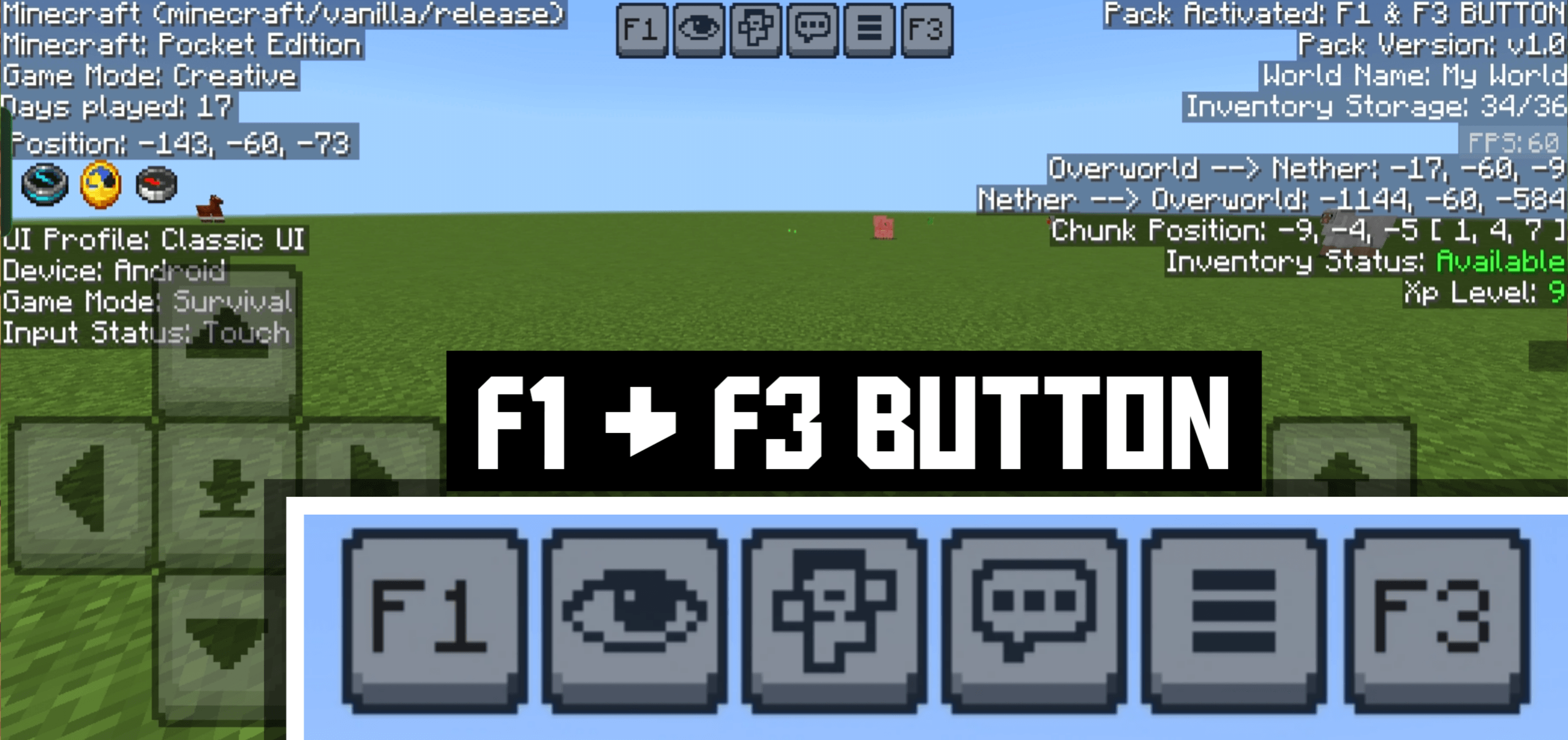
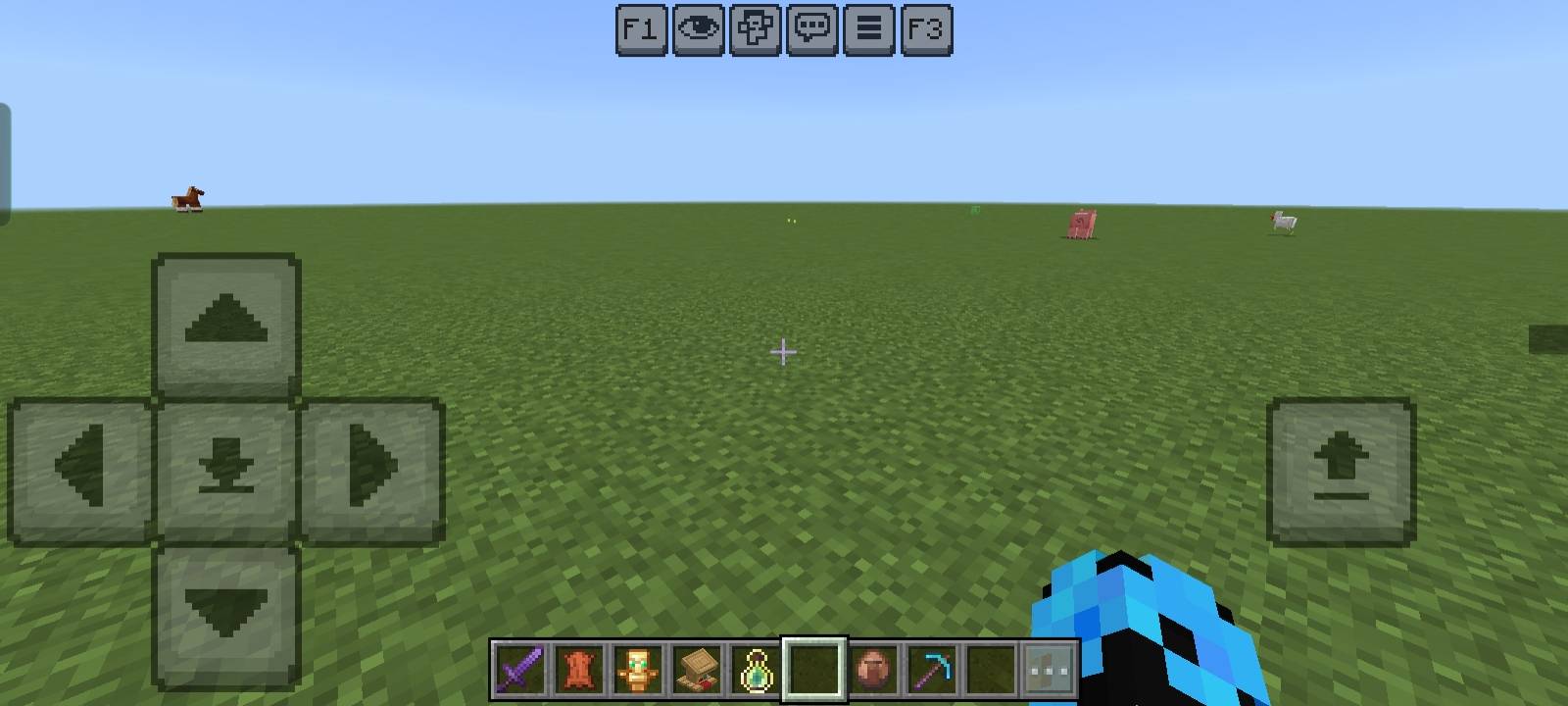
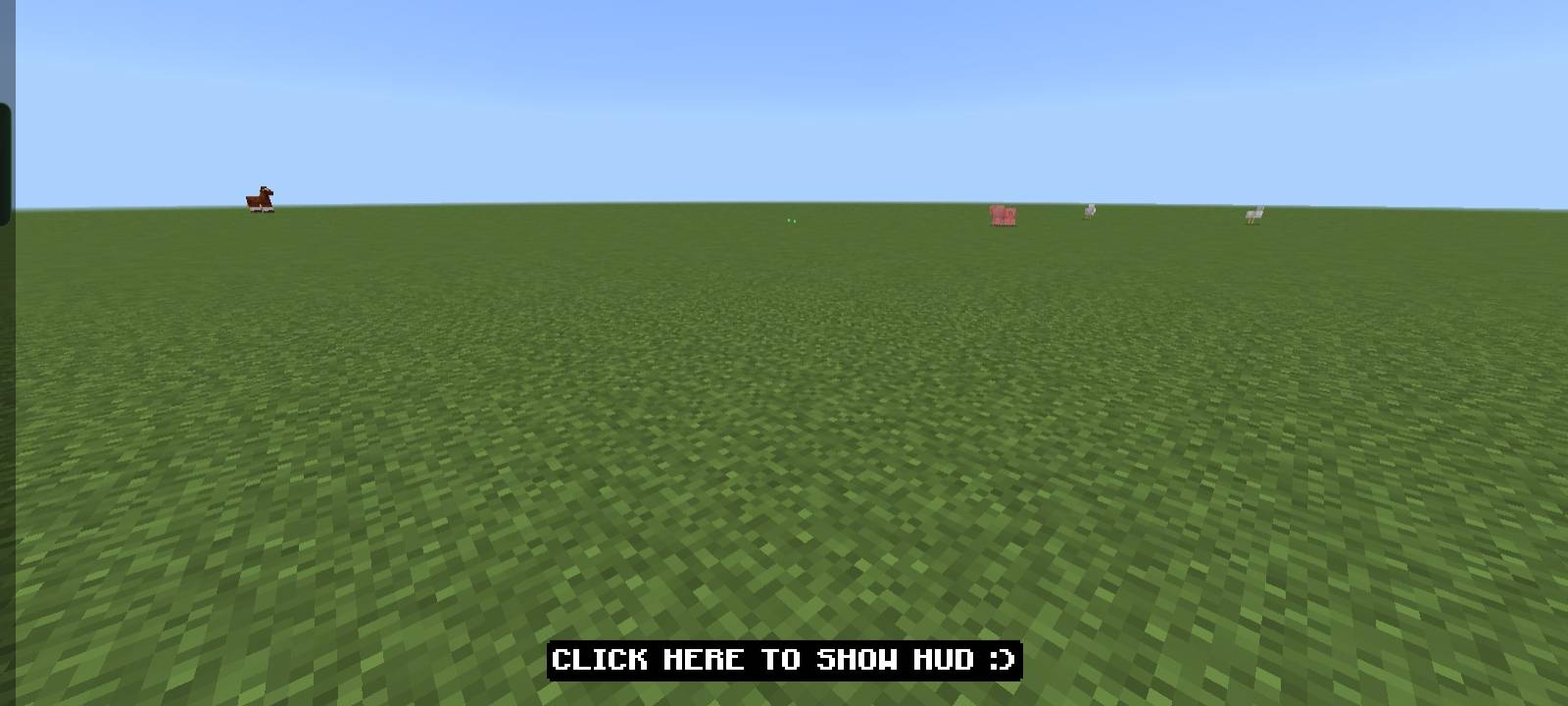
F1 & F3 Button is a Bedrock resource pack that brings Java Edition-style debug and HUD controls to Minecraft Bedrock and Pocket Edition. Pressing F3 opens a debug overlay on a clean black background that shows important game information at a glance, including position in XYZ coordinates, days played, the chunk position, the current dimension, and the FPS counter. The overlay also reports inventory details such as the number of used and total slots and whether the inventory is available or full, along with the current game mode, device and input status, the UI profile (Classic or Pocket), the XP level, and information about the pack and world. Pressing F1 hides the entire HUD, including the hand, hotbar, chat, and buttons, which makes the game suitable for clean screenshots or cinematic play, and pressing it again brings the interface back. Both features are standalone, and they are also included in the author's NeBux UI Pack.
Written from CurseForge . How we write it

At a glance
- Download
- Files for Bedrock 26.0 to 26.30.
- Privacy
- Nothing sent.
- Releases
- Latest release on 5 Jul 2026.
- Statistics
- No daily count yet.
Every current file
See each file in ReleasesThe newest release or beta for each Bedrock version, on CurseForge.
Passed
Have a copy of F1 & F3 BUTTON - Windows Update? Check that it is the official one.
Drop it here. We compare its fingerprint with the official F1 & F3 BUTTON - Windows Update files. A file we do not know is not sent: we only say what its manifest declares.
Creators
Who makes F1 & F3 BUTTON - Windows Update, with their most downloaded other projects.
- NeBuxAuthor, 30 projects
 Villagers Trade Unlocker, Passed
 NeBux UI+, Passed
 Player Health Indicator, Passed
 HUD-X, Passed
 My Totem Doll, Passed
 Saturation Enhanced, Passed
 Pocket Gui+, Partly checked
 Saturation Balanced, Passed
 My Mini 3D Totem, Passed
 F3 BUTTON, Passed
 Quick Chat, Passed
 NeBux Colorful Containers, Passed
 NeBux GUI, Partly checked
 NeBux Xtreme, Passed
 Fancy Crops, Passed
 Pocket GUI+ Dark Mode, Passed
 My Chibi Totem, Passed
 Better Rain, Passed
 Enchantment Guide, Passed
 NeBux Custom 3D Totems, Passed
 NeBux GUI - Dark Mode, Passed
 Items Reworked, Passed
 Long Tools, Passed
 Cooked Loot, Passed
 Feather Totem, Passed
 Enhanced Potion Bottles, Passed
 Rect Cassettes, Passed
 Items Reworked - Java, Passed
 Rect Cassettes - Java Edition, Passed
Source and links
- Pages
- On CurseForge
Something wrong here? Report a mistake
Something wrong here? Report a mistake
Something wrong here? Report a mistake
Nothing sent
A texture pack without scripts has no code that can connect to the internet.
What we checked
We read the manifest and every script of its files, and list the web addresses the scripts write.
- Files checked
- Its 2 current files. See each file in Releases
- Scripts
- None.
Something wrong here? Report a mistake
Something wrong here? Report a mistake
Something wrong here? Report a mistake
Something wrong here? Report a mistake
Something wrong here? Report a mistake
- Downloads
- 378KOn CurseForge
- Created
- 27 Aug 2025
- Latest release
- 5 Jul 2026
- License
- All rights reserved
Its newest file
What we read in the file: its packs, their manifests and their scripts.
- File
F1_F3_Button_v1.1.3.mcpack· 1.3 MB- Kind
- A pack file (.mcpack): a resource pack, imported into the game.
- Pack
- Scripts
- None.
Something wrong here? Report a mistake