
How we got this result
- Files checkedWe compare the fingerprint and the content of each file with the malware we and others have found, and look at what is inside it.3 of 3 current filesLast checked on 25 Nov 2026
- Deep checkOur own tools read the code of each current file and look for what harmful code does, like stealing logins or running hidden programs. A person reviews every Malware result.0 of 3 current files
- Passed Nothing harmful foundOur checks look for known signs of harm. They cannot prove that a file is harmless.
About
From its official pages
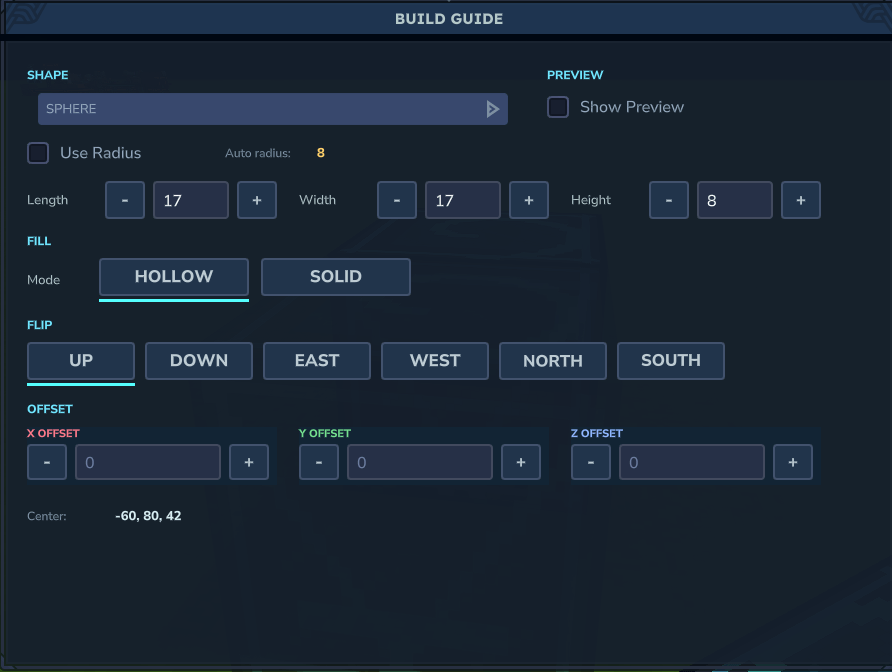
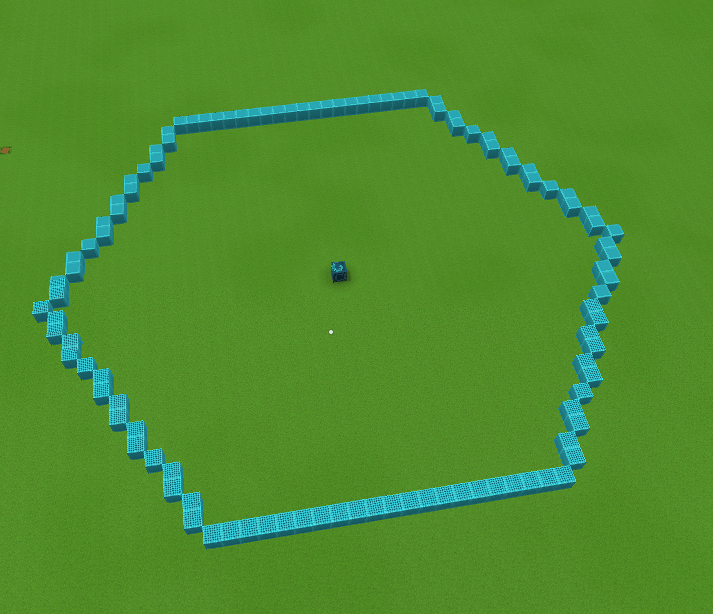
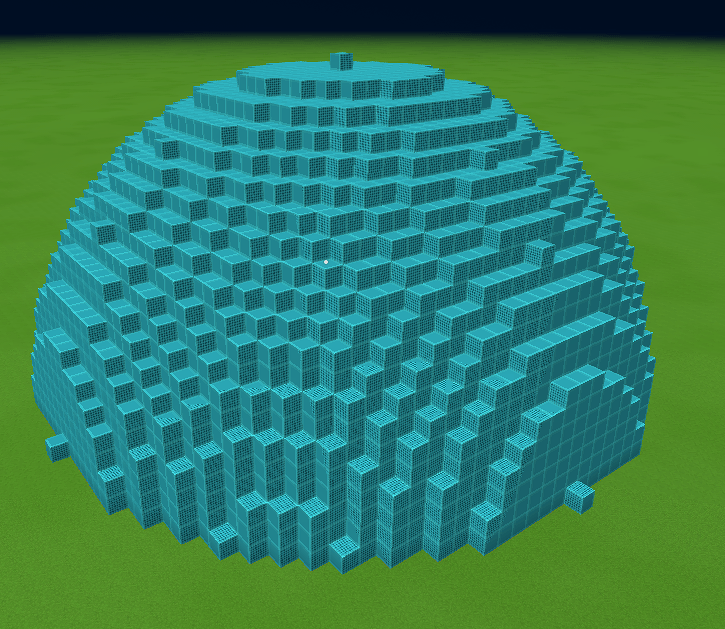
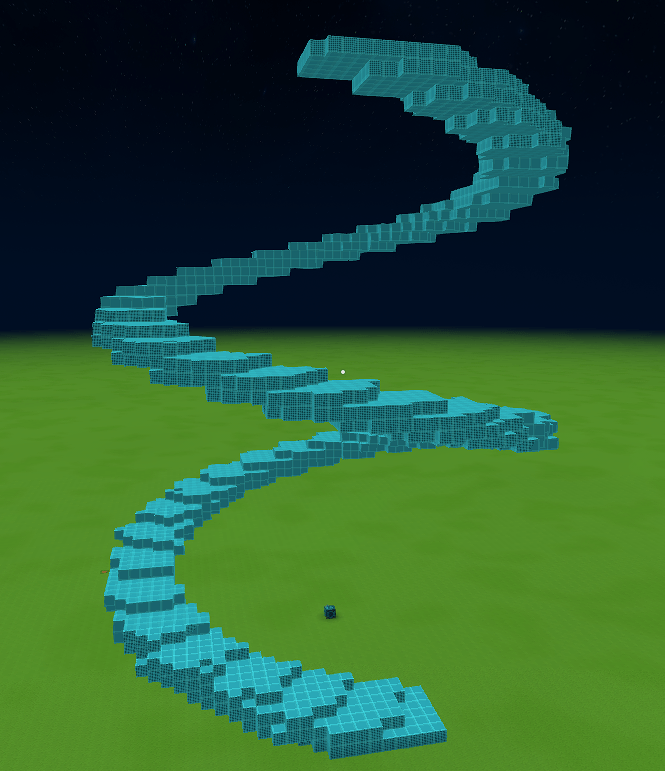
Modern’s Build Guide is a planning tool for mapping out builds before placing real materials, using a Build Guide block with a custom interface and no commands. Choose from shapes including spheres, domes, circles, rings, squares, rectangles, triangles, polygons, honeycomb patterns, stars, crosses, arches, cylinders, cones, toruses, cubes, pyramids, prisms, and a spiral tower; then adjust the size, X/Y/Z offset, fill mode, and orientation. The client-side preview displays guide markers centered on the block, with red markers where existing blocks obstruct the planned shape, and does not place or remove real blocks. Settings are saved on the guide block until it is broken, and the block is crafted at a Workbench under Tinkering.
Written from CurseForge . How we write it
At a glance
- Privacy
- Not known yet.
- Releases
- Latest release on 12 Oct 2026.
- Statistics
- No daily count yet.
Every current file
See each file in ReleasesThe newest release or beta for each Hytale version, on CurseForge.
Passed
Have a copy of Modern's Build Guide? Check that it is the official one.
Drop it here. We compare its fingerprint with the official Modern's Build Guide files. If we do not know the file, we upload it for a deep check.
Creators
Who makes Modern's Build Guide, with their most downloaded other projects.
- ModernKnightAuthor, 4 projects


Source and links
- Pages
- On CurseForge
Something wrong here? Report a mistake
Something wrong here? Report a mistake
Something wrong here? Report a mistake
Not known yet
We have not checked its code in depth yet.
- File checks
- Found no code that can connect to the internet.
We find the web addresses its code can contact, but we cannot see everything a mod does while it runs. Wrong result? Tell us
What we checked
A mod can send information about you over the internet, such as your player name or your login.
- Deep checkWe read the code and list each web address it can contact, and what it sends. We leave out code that is never used.
- Not checked in depth yet. See each file in Releases
- Crash reports and usage dataA crash report or usage data service named in the mod's files. The code does not show what is sent to it, or when.
- None named in its files.
Something wrong here? Report a mistake
Something wrong here? Report a mistake
Something wrong here? Report a mistake
Something wrong here? Report a mistake
Something wrong here? Report a mistake
- Downloads
- 210On CurseForge
- Created
- 14 Jun 2026
- Latest release
- 12 Oct 2026
- License
- All rights reserved
In its manifest
- Mod id
modern:modern's build guide- Asset pack
- Included in the file
Something wrong here? Report a mistake