
How we got this result
- Files checkedWe compare the fingerprint and the content of each file with the malware we and others have found, and look at what is inside it.2 of 2 current filesLast checked on 16 Oct 2026
- Deep checkOur own tools read the code of each current file and look for what harmful code does, like stealing logins or running hidden programs. A person reviews every Malware result.2 of 2 current filesLast checked on 18 Oct 2026
- Passed No harmful code foundOur checks look for known signs of harm. They cannot prove that a file is harmless.
About
From its official pages
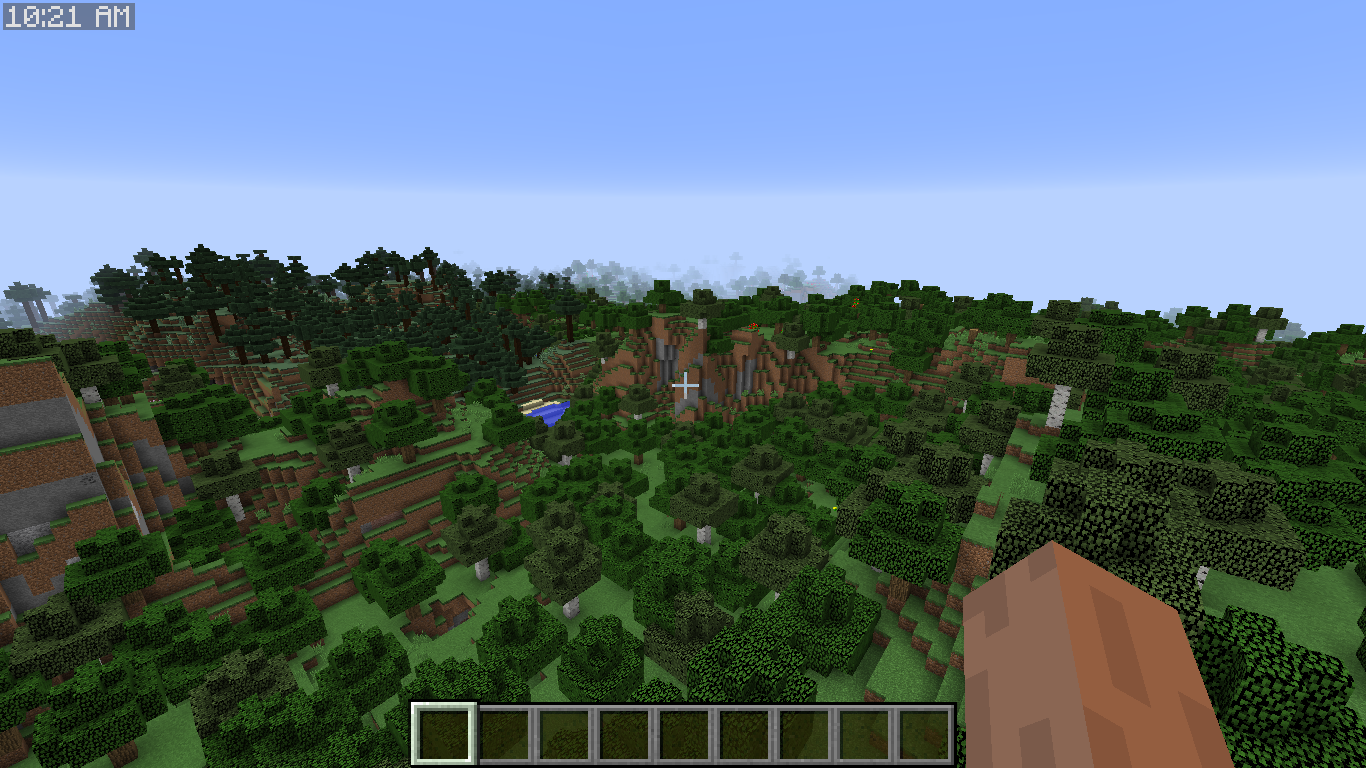
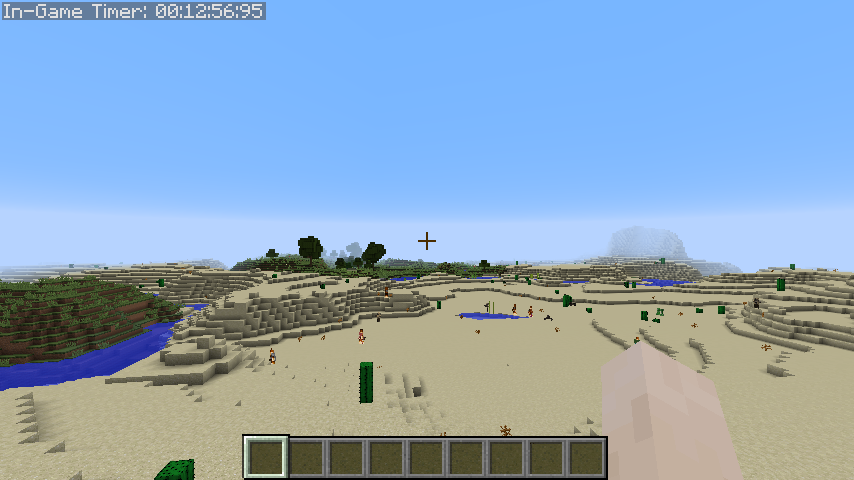
In-Game Time displays a timer in the upper-left corner of the screen, showing the elapsed in-game time in hours, minutes, seconds, and ticks. You can configure whether the timer label and tick count appear, how often the timer updates, and whether it starts when the world loads or through a command. Alternatively, it can display the real-life date and time in a configurable format instead of the in-game timer.
Written from CurseForge . How we write it
What its code does
In-Game Time keeps its options in one settings file and never connects to the internet. We checked all 7 files it has published since 2018.
Written from our checks of its files. How we check
At a glance
- Download
- Files up to Minecraft 1.14.4.
- Releases
- Latest release on 21 Oct 2019.
- Statistics
- 8 downloads a day.
- Modpacks
- In 10 modpacks.
Every current file
See each file in ReleasesThe newest release or beta for each Minecraft version and loader, on CurseForge.
MinecraftForge
PassedDeep check
Have a copy of In-Game Time? Check that it is the official one.
Drop it here. We compare its fingerprint with the official In-Game Time files. If we do not know the file, we upload it for a deep check.
Creators
Who makes In-Game Time, with their most downloaded other projects.
Insane96Author, 36 projects
 InsaneLib, Passed
 Progressive Bosses, Passed
 Enhanced AI, Passed
 Compass Coords, Passed
 Mobs Properties Randomness, Passed
 Vulcanite, Passed
 Insane's Survival Overhaul (aka IguanaTweaks Reborn), Passed
 Path to Dirt, Passed
 Area Effect Clouds 3D, Passed
 Shields+, Passed
 Natural Nether Portals, Passed
 [Fabric] Progressive Bosses, Passed
 Stamina, Passed
 Nether Gold Ore, Passed
 Natural Baby Animals, Passed
 Custom Fluid Mixin, Passed
 Carbonado, Passed
 No Hunger, Passed
 JASB Tweaks, Passed
 Galaxite Ore, Passed
 Semi-Hardcore, Passed
 Tinkers' Expansion, Passed
 XP Holder, Passed
 Builders' Construct, Passed
 Insane's Survival Extra (aka IguanaTweaks Expanded), Passed
 Mob Heads, Not checked
 Desire Paths, Passed
 LongerDays, Not checked
 Team Waystones, Passed
 Insane's Experience Tweaks, Passed
 Insane's Explosion Overhaul, Passed
 Rune Enchanting, Passed
 Item & Block Info HUD (IBIHUD), Passed
 Mobs Buffs (MPR), Passed
 Tinkers' NetherFlat Challenge DataPack, Passed
Source and links
- Source code
- Public on GitHub
- Pages
- On CurseForge
Something wrong here? Report a mistake
Something wrong here? Report a mistake
Something wrong here? Report a mistake
None found
No sign it sends data.
- Its code
- Contacts no web address.
We find the web addresses its code can contact, but we cannot see everything a mod does while it runs. Wrong result? Tell us
What we checked
A mod can send information about you over the internet, such as your player name or your login.
- Deep checkWe read the code and list each web address it can contact, and what it sends. We leave out code that is never used.
- Its current filesThe newest release or beta for each Minecraft version and loader, on CurseForge.. See each file in Releases
- Web addresses
- None in its code.
- Crash reports and usage dataA crash report or usage data service named in the mod's files. The code does not show what is sent to it, or when.
- None named in its files.
Something wrong here? Report a mistake
Something wrong here? Report a mistake
Something wrong here? Report a mistake
Something wrong here? Report a mistake
Something wrong here? Report a mistake
Something wrong here? Report a mistake
- Downloads
- 22K+225 in 30 days
On CurseForge - Created
- 21 Mar 2018
- Latest release
- 21 Oct 2019
- License
- All rights reserved
In-game changes
It has no file for a recent Minecraft version, so this shows its files for Minecraft 1.10 to 1.14.4.
Also
- New content
- Adds no new blocks, items or other content.
- Vanilla filesFiles with the same name and folder as one of Minecraft's own, which they replace. Tags and language files are merged instead.
- Keeps all of vanilla Minecraft's textures, models and sounds.
Something wrong here? Report a mistake