
KubeJS Studio
ModA GUI Studio and built-in IDE for KubeJS.
Why gradeB
How grades workStrengths
Points lost
- First release only 4 months ago−6 points
- Some modpacks removed it−1 point
- Under 5 million downloads−1 point
All 11 criteria
Maintenance
Full points21 / 21Last releaseHow long ago the newest file came out, or an existing file was marked as working on a new Minecraft version.4 weeks ago (29 Sep 2026) 12 / 12Supports popular versionsWhether the project has a file for a Minecraft version that 15% or more of the popular mods updated in the last 6 months also support. A version many modpacks use, like 1.20.1 or 1.21.1, also counts after a release in the last 12 months.26.1.2 on NeoForge, 1.20.1 on Forge. 62% of the 995 popular NeoForge mods updated in the last 6 months also have files for 26.1.2. Latest Minecraft: 26.3. 9 / 9Regular releasesIn how many of the last 24 months a new file came out. Full points at 8 months.Does not apply. The project is under 6 months old.Stability
1 point lost14 / 15Removed from modpacksHow many modpacks removed it in a later version of the pack. We can only see this in modpacks with two or more versions. A pack that swaps it for another edition of the same project, or that is rebuilt from scratch, does not count.7 of the 49 modpacks with two or more versions removed it in a later one (14%) See the 7 modpacks9 / 10Quick fixesHow often a release needed a quick fix: a new release within 3 days to fix a problem in it.Does not apply. The project is under 6 months old.Known conflictsHow many projects say they do not work with it, compared with how widely it is used. Packs, small projects, forks, ports, add-ons, alternatives and old versions do not count.None 5 / 5Transparency
Full points10 / 10Source codeWhether the project page links to its source code, so anyone can read what it does.git.tysontheember.dev 7 / 7Place to report problemsWhether the project page links to a place where players can report problems: an issue tracker.git.tysontheember.dev 3 / 3Popularity
1 point lost3 / 4DownloadsDownloads on Modrinth and CurseForge. Full points from 5 million.26,210 3 / 4Track record
6 points lost2 / 8AgeHow long the project has existed. It counts less when no new file came out recently.4 months, 14 releases 2 / 8Security
PassedFile checksThis check adds no points. It can only take points away.Our checks found nothing harmful in all 3 latest files for recent Minecraft versions. See Security
49.7 of the 58 points that apply = 86 out of 100. The points above are rounded to whole numbers.
Images
About
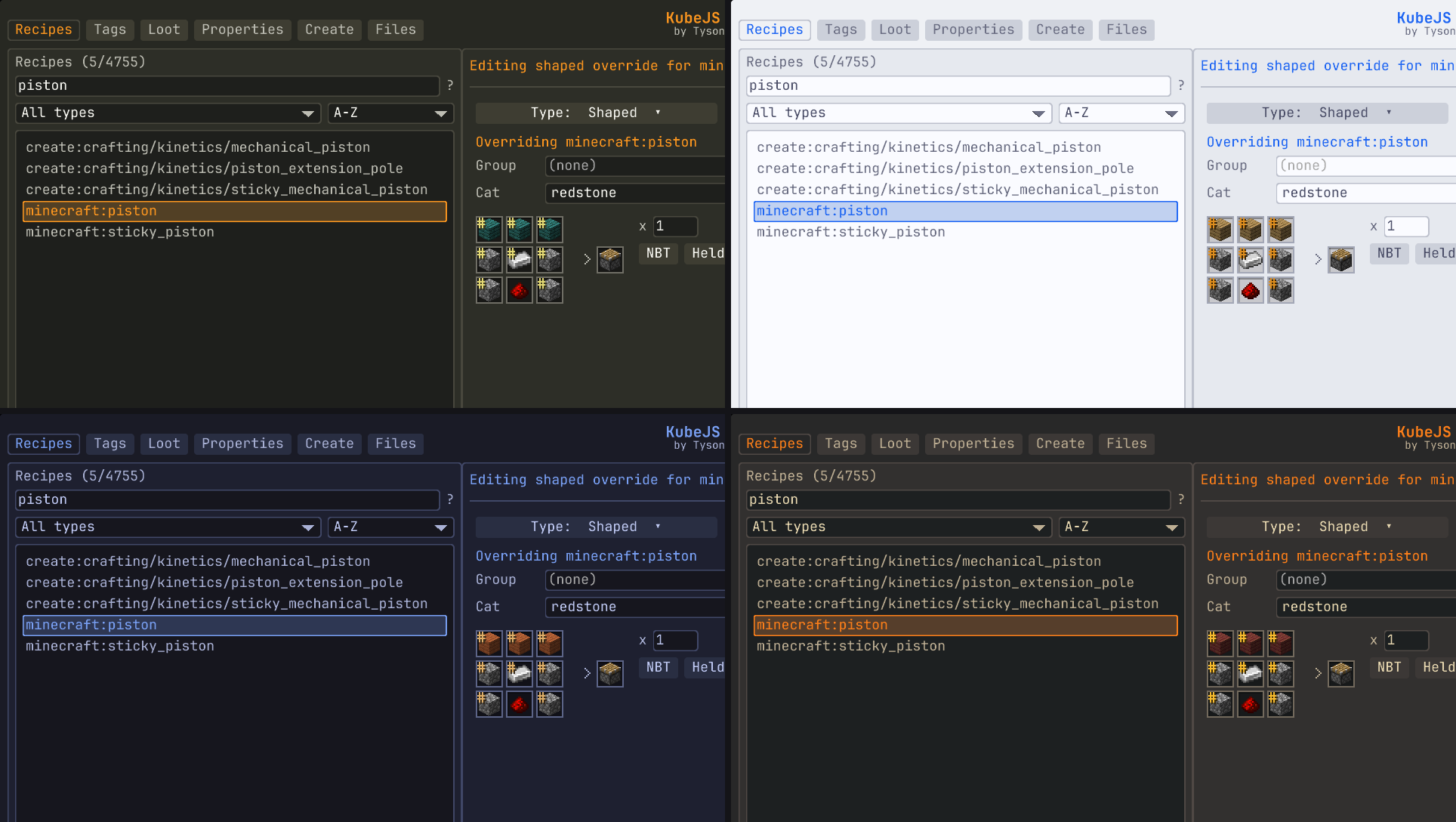
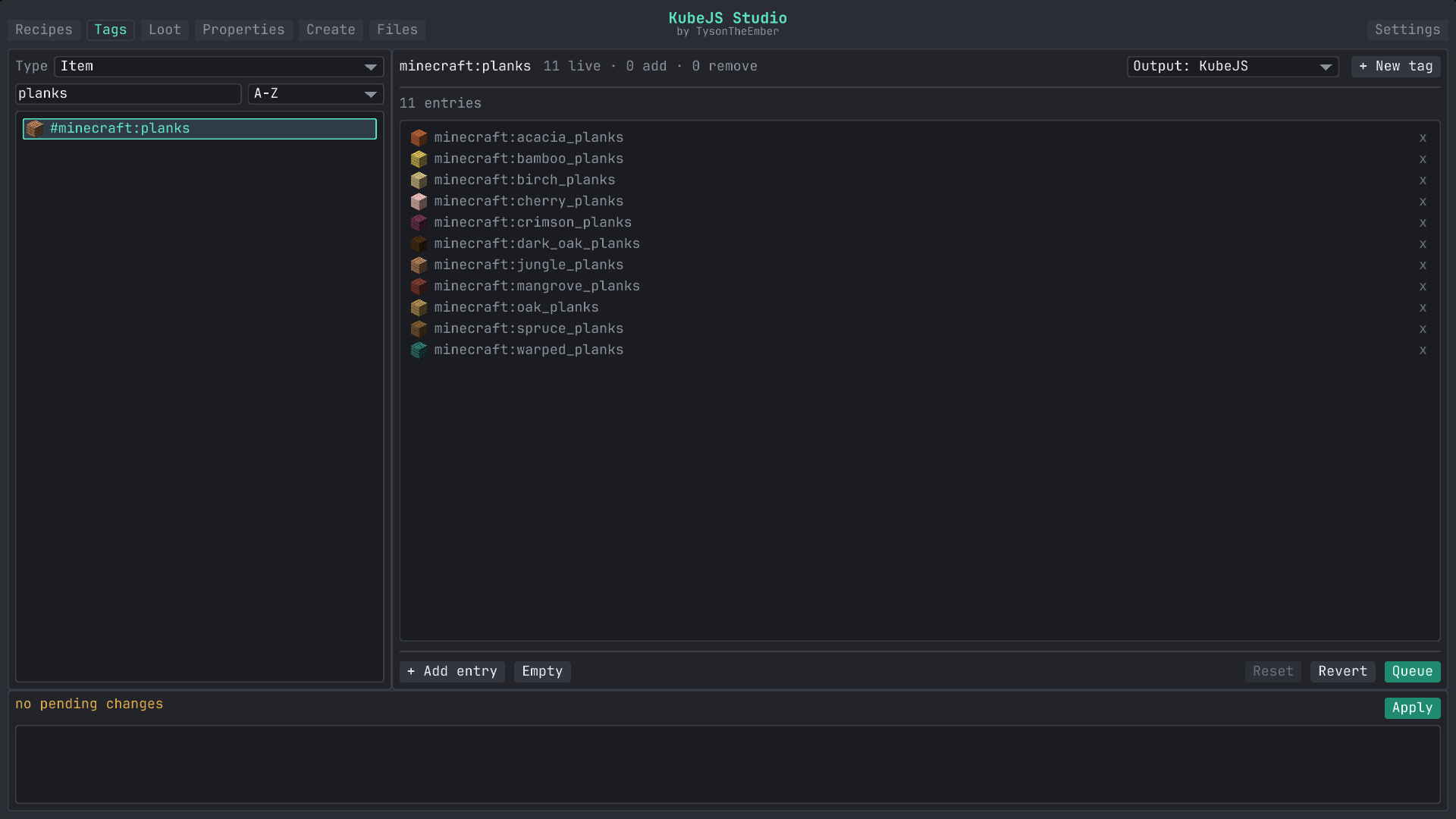
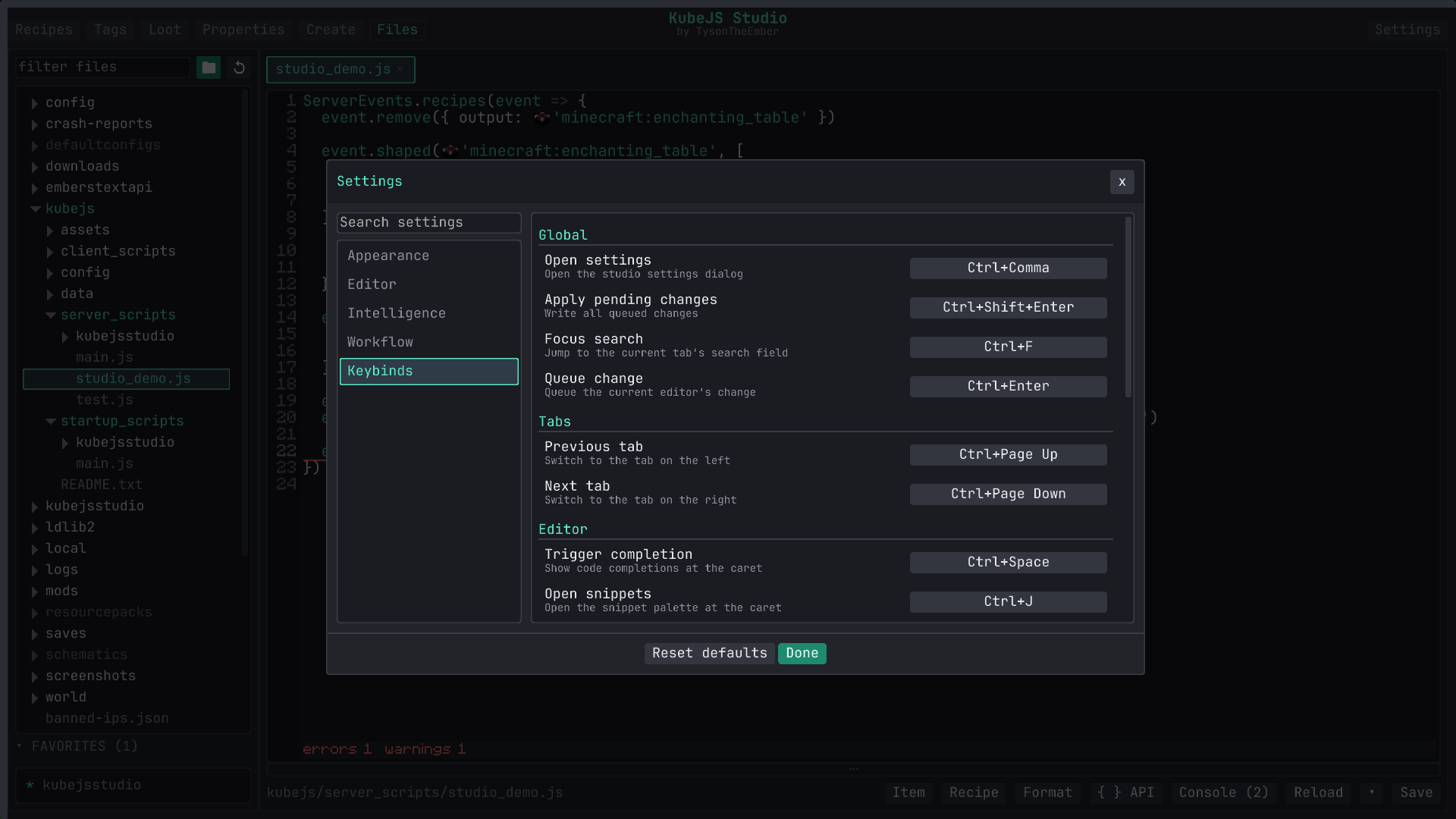
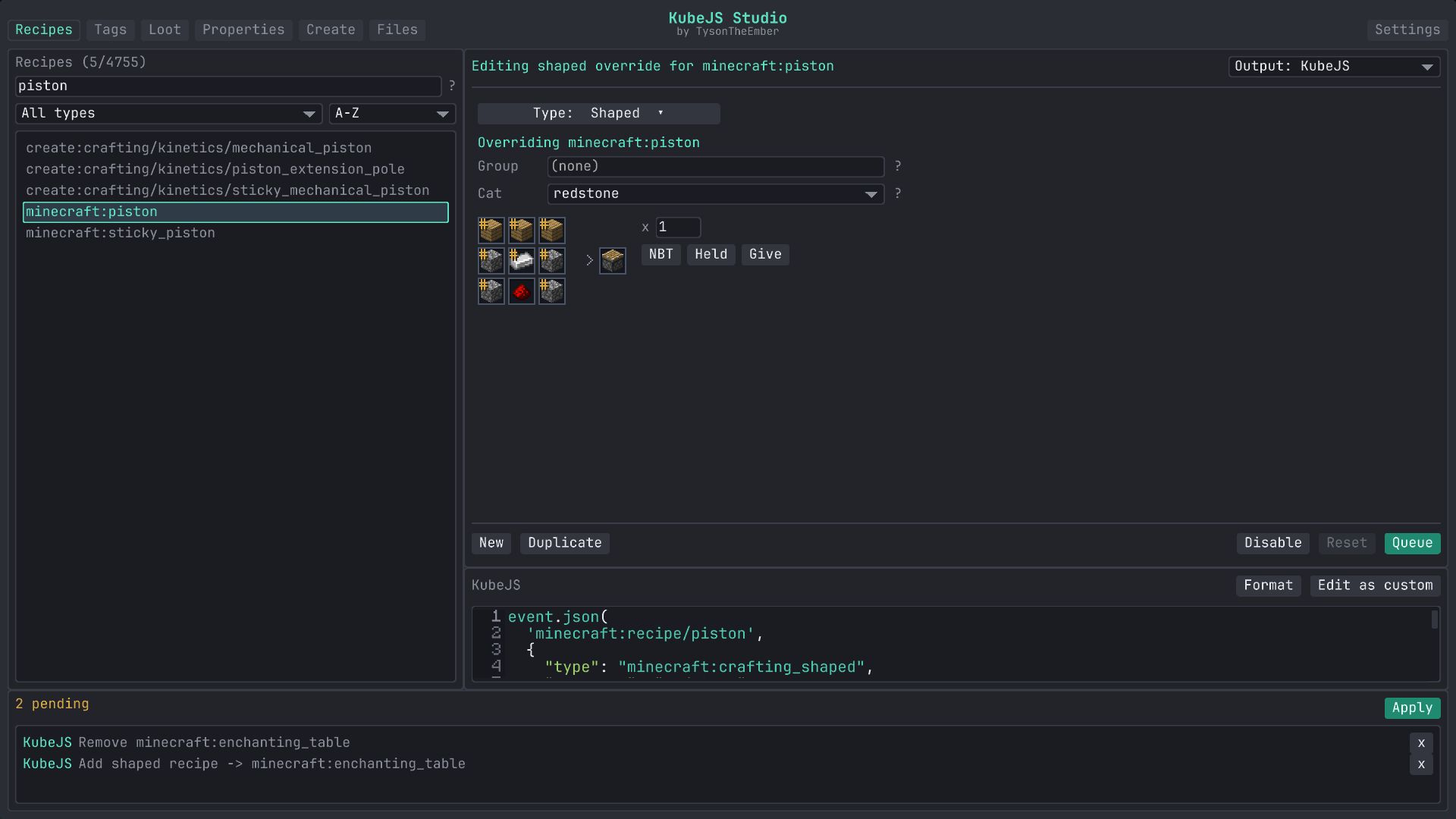
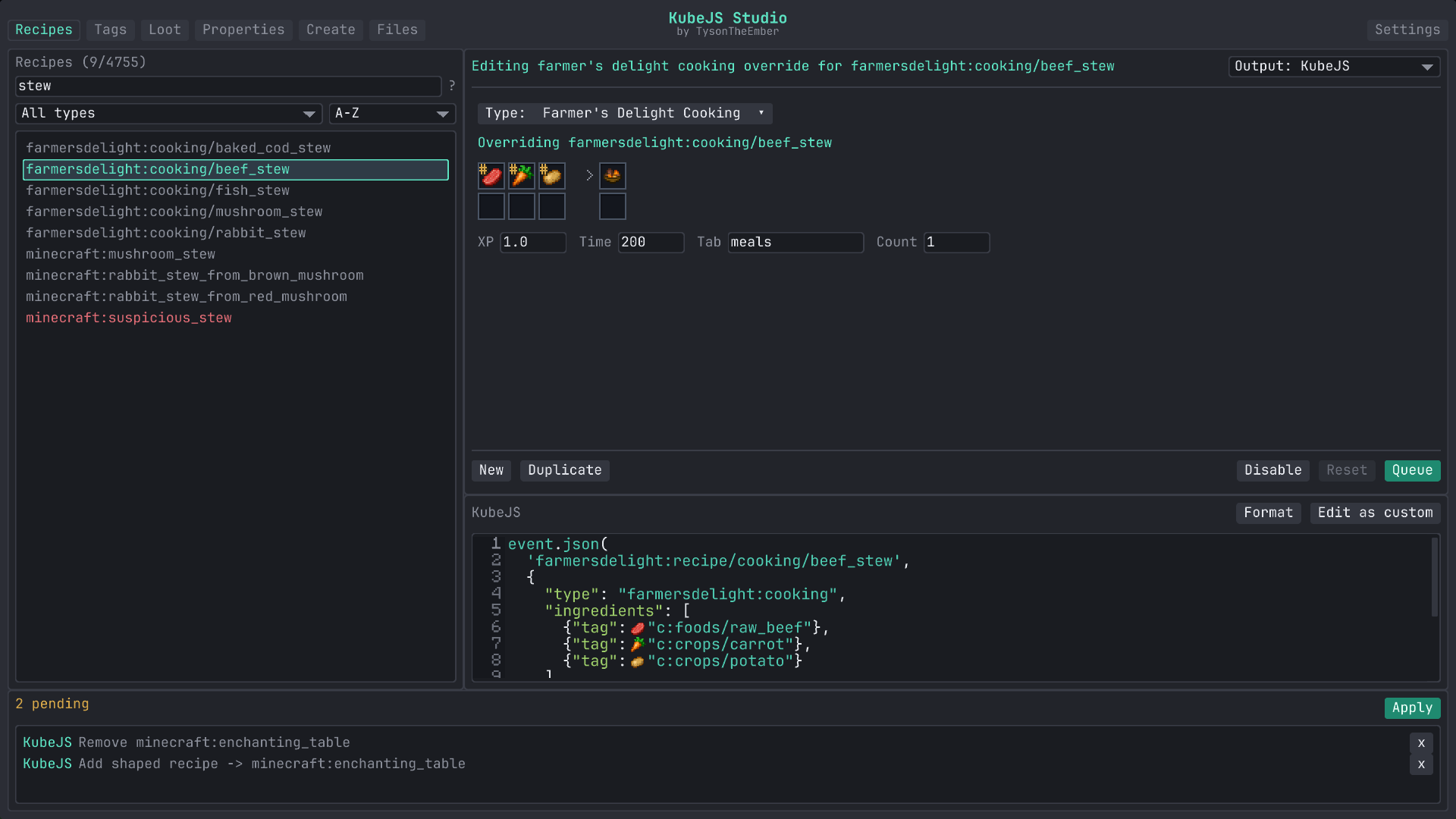
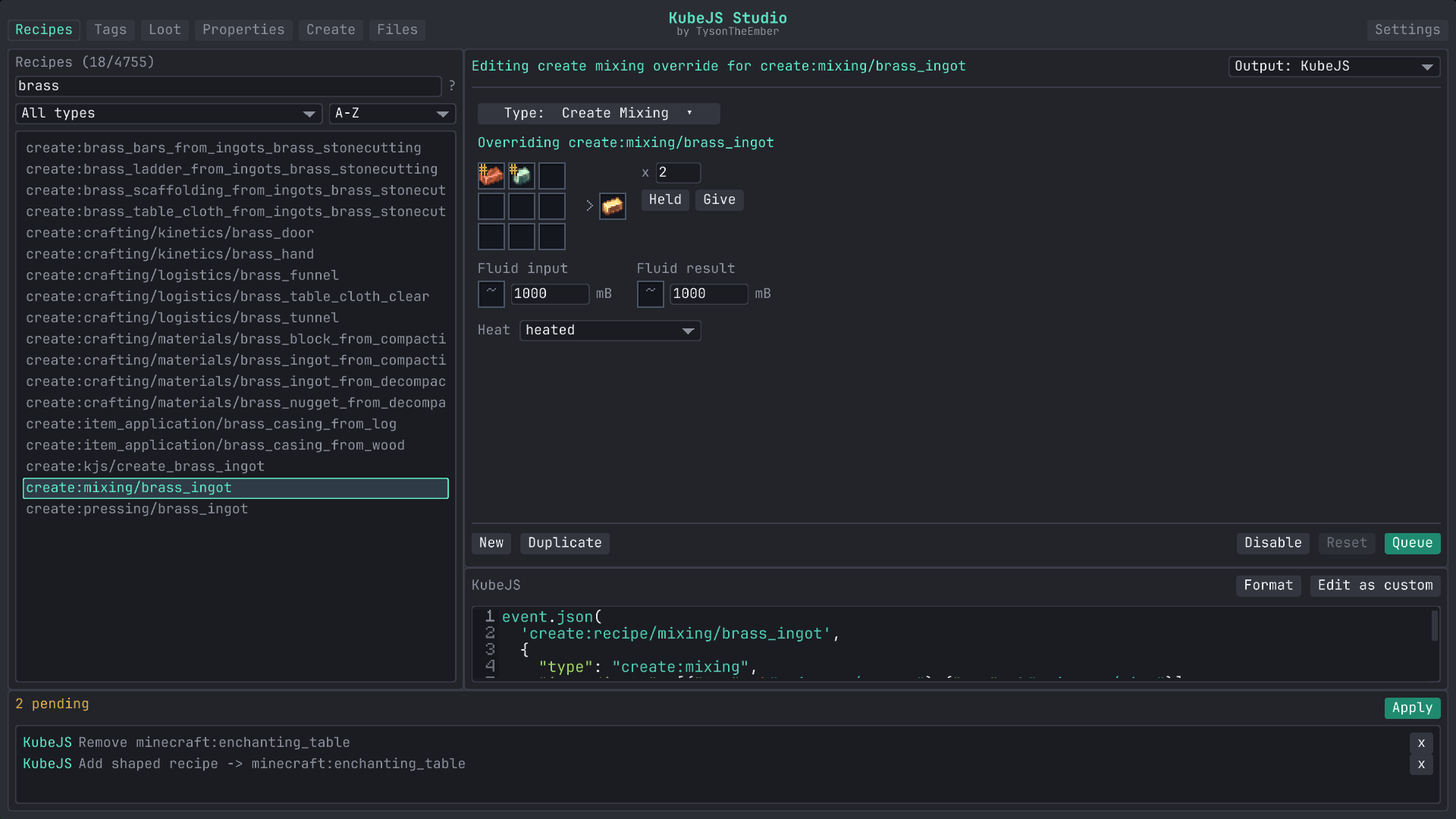
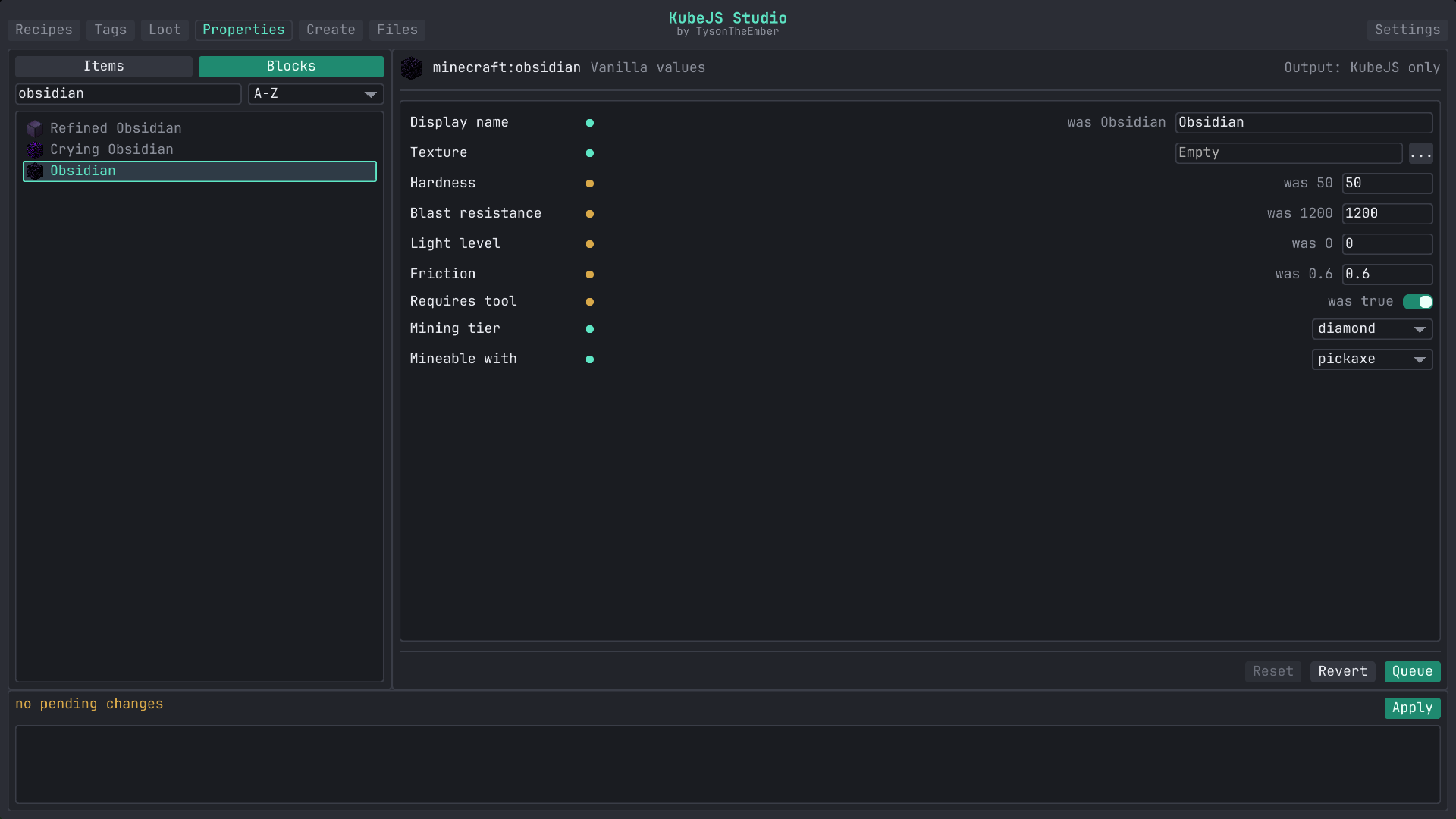
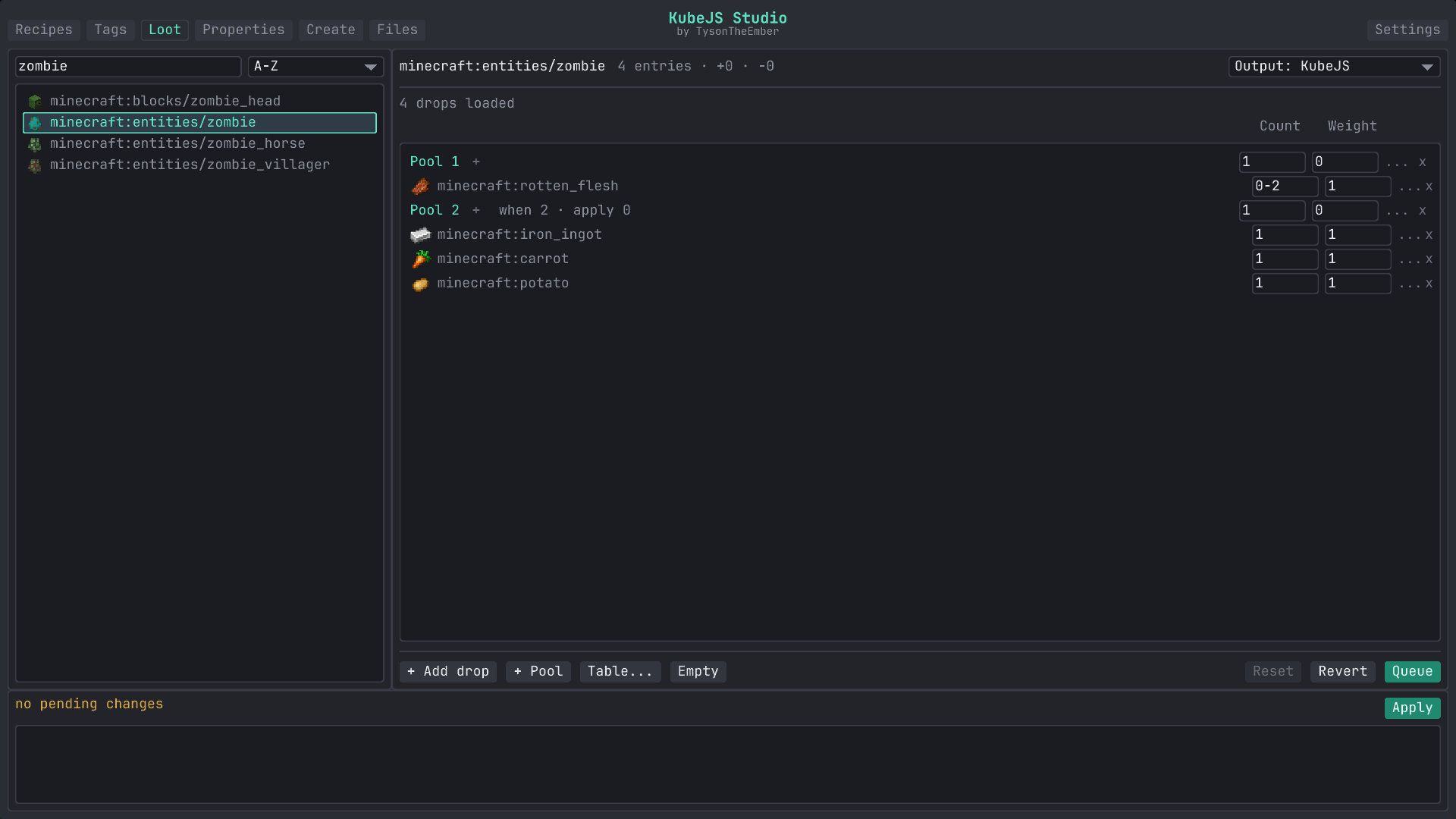
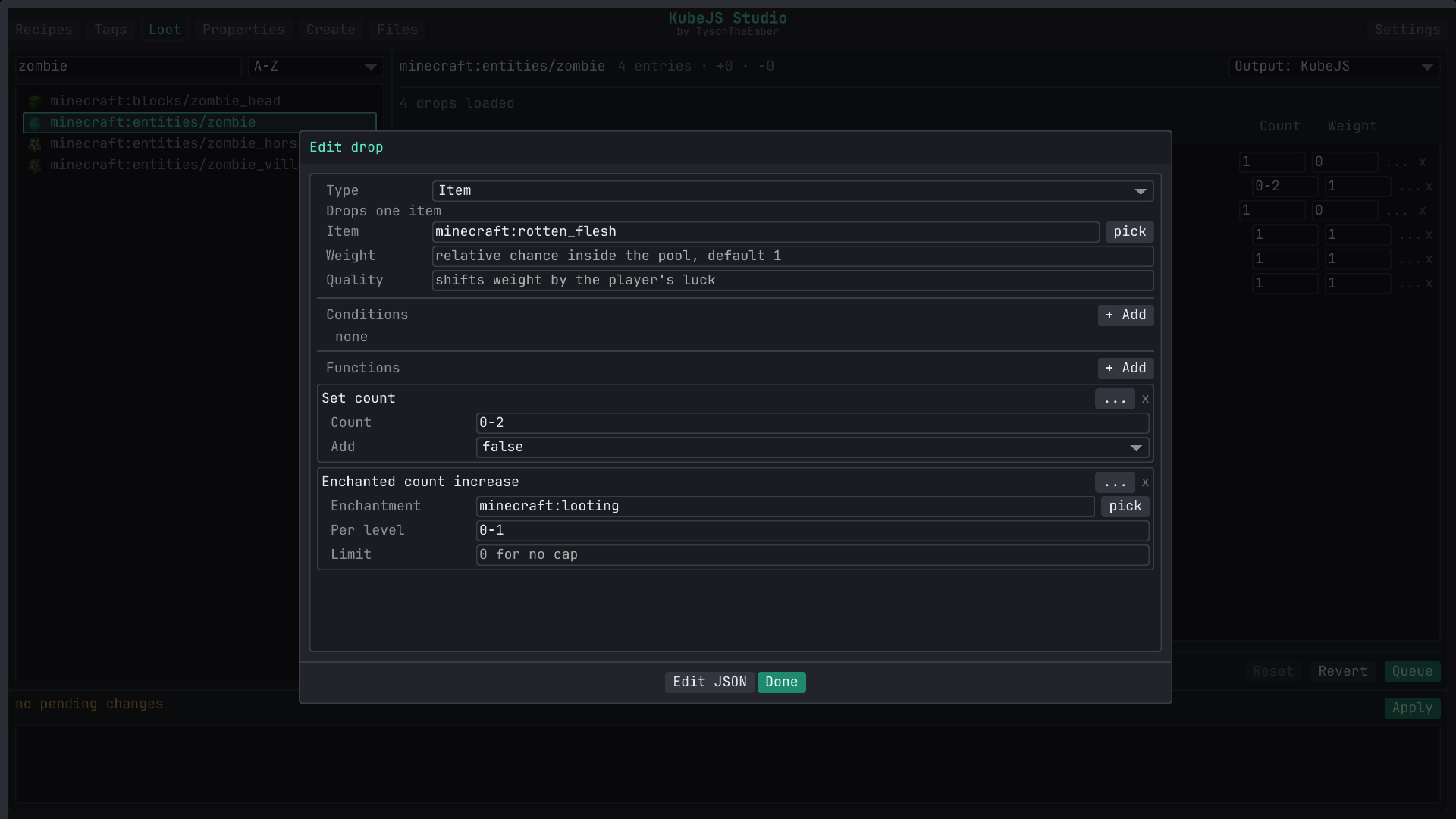
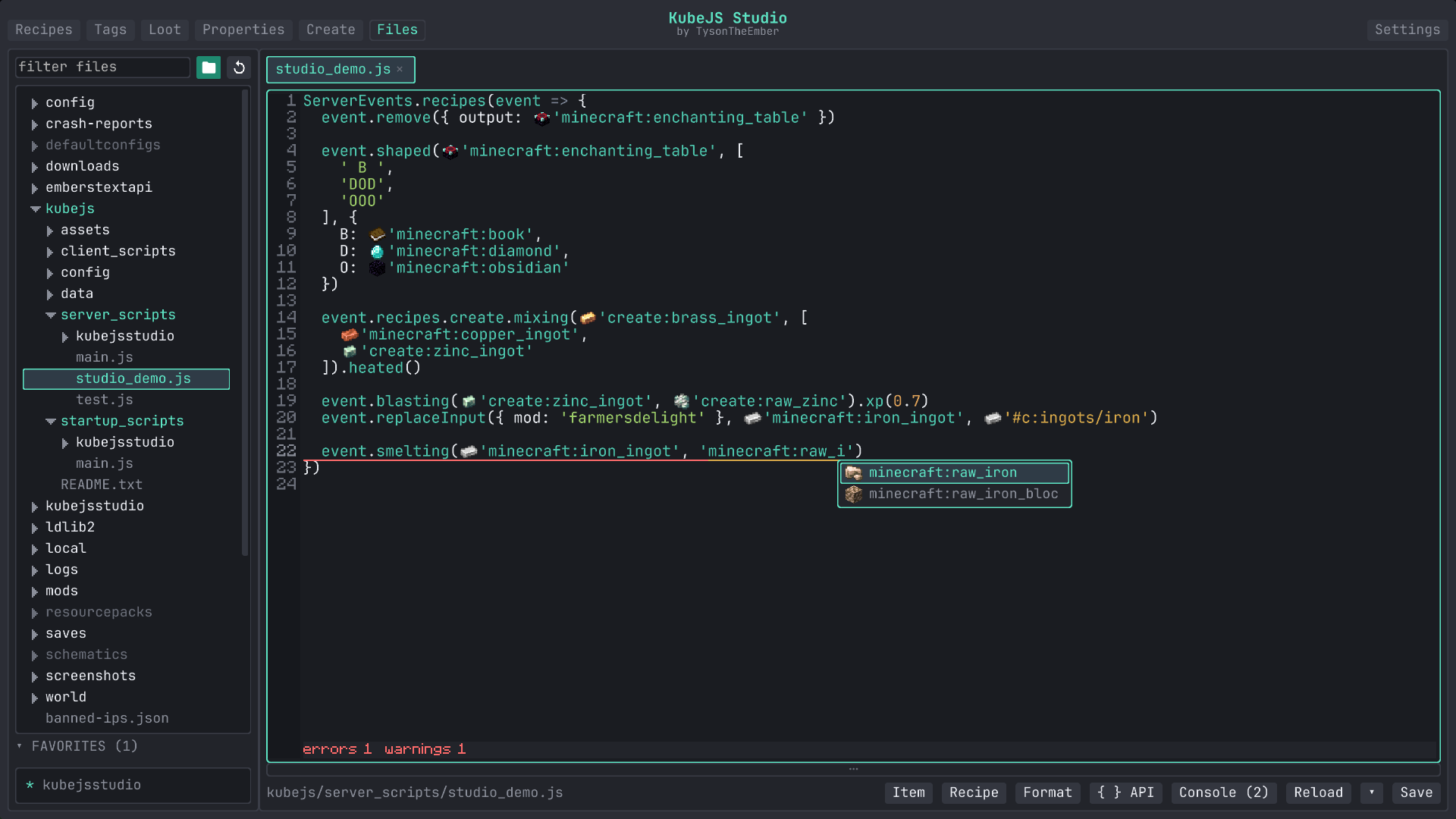
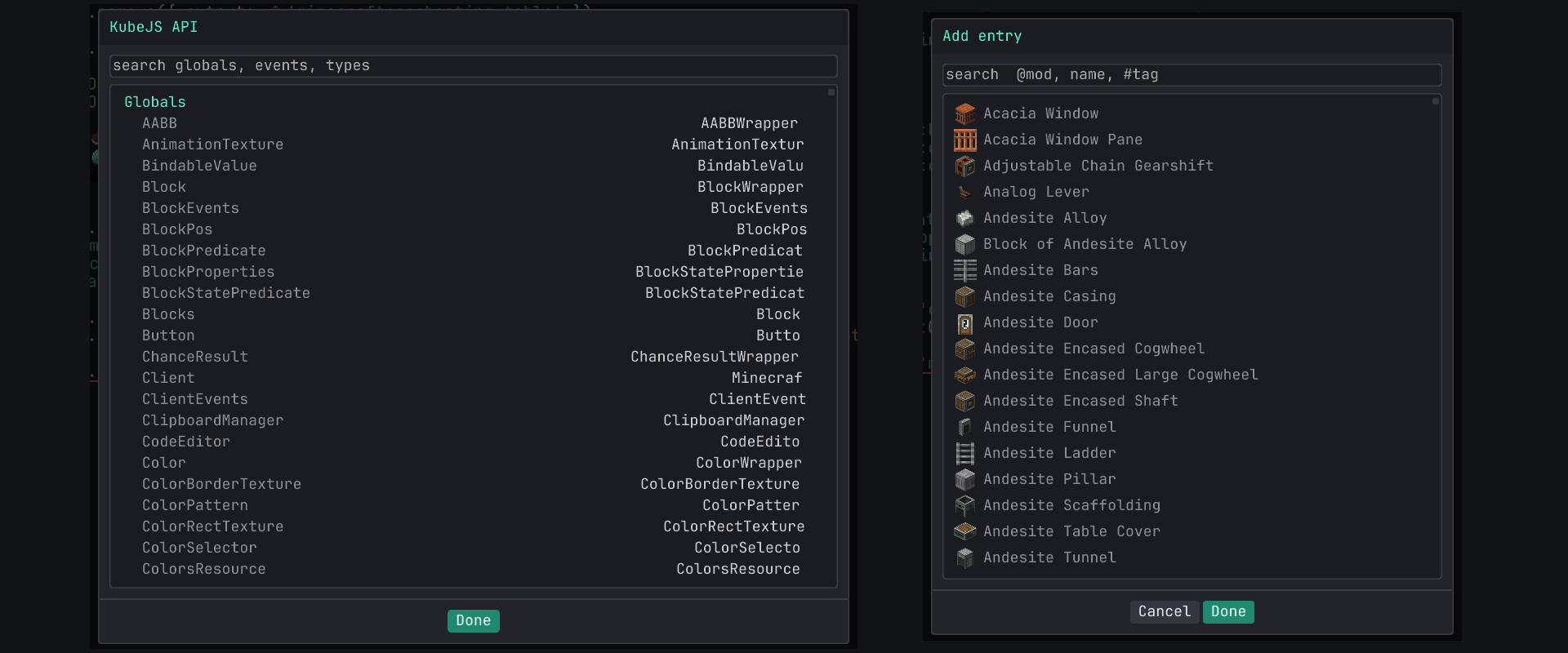
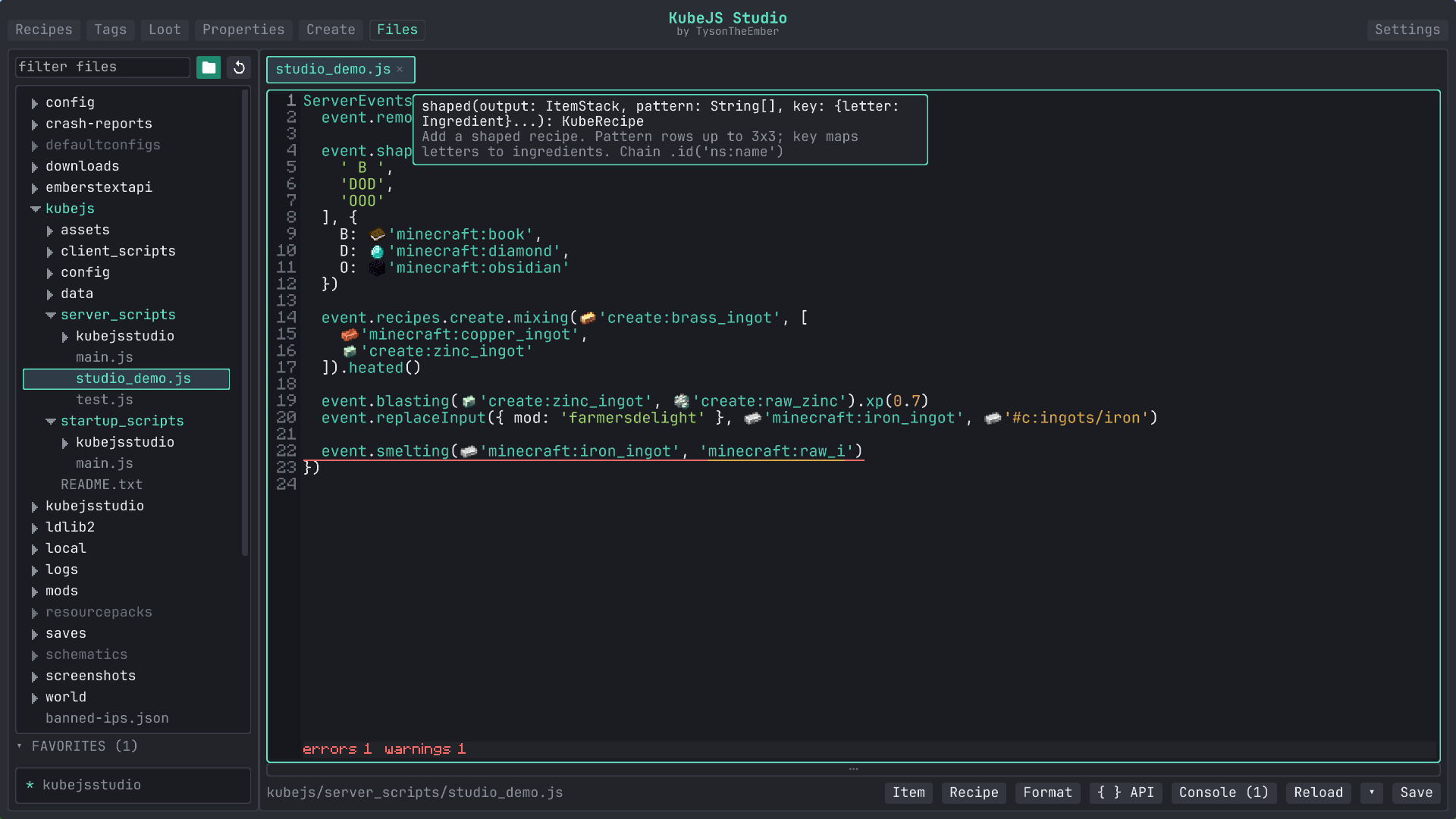
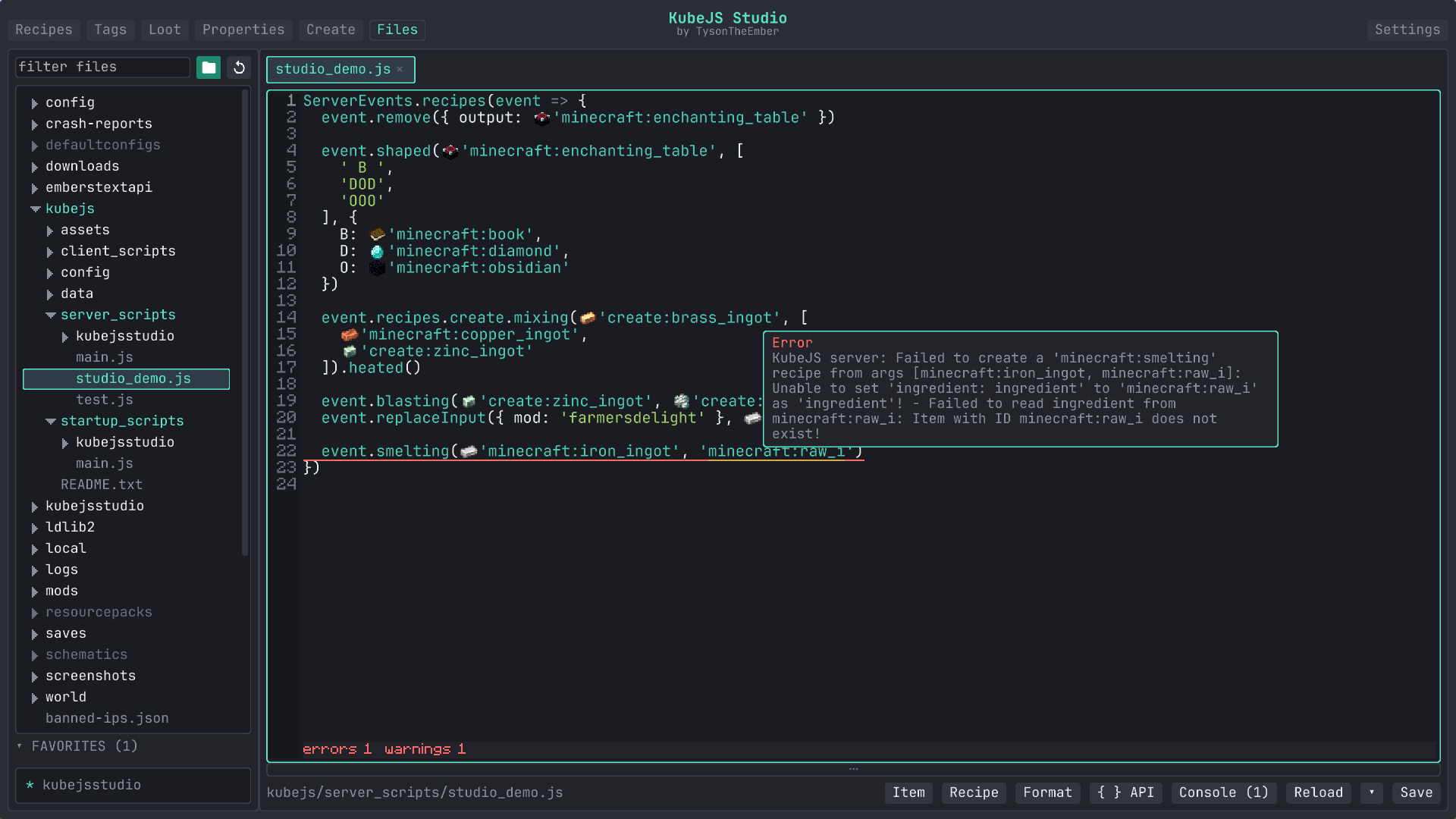
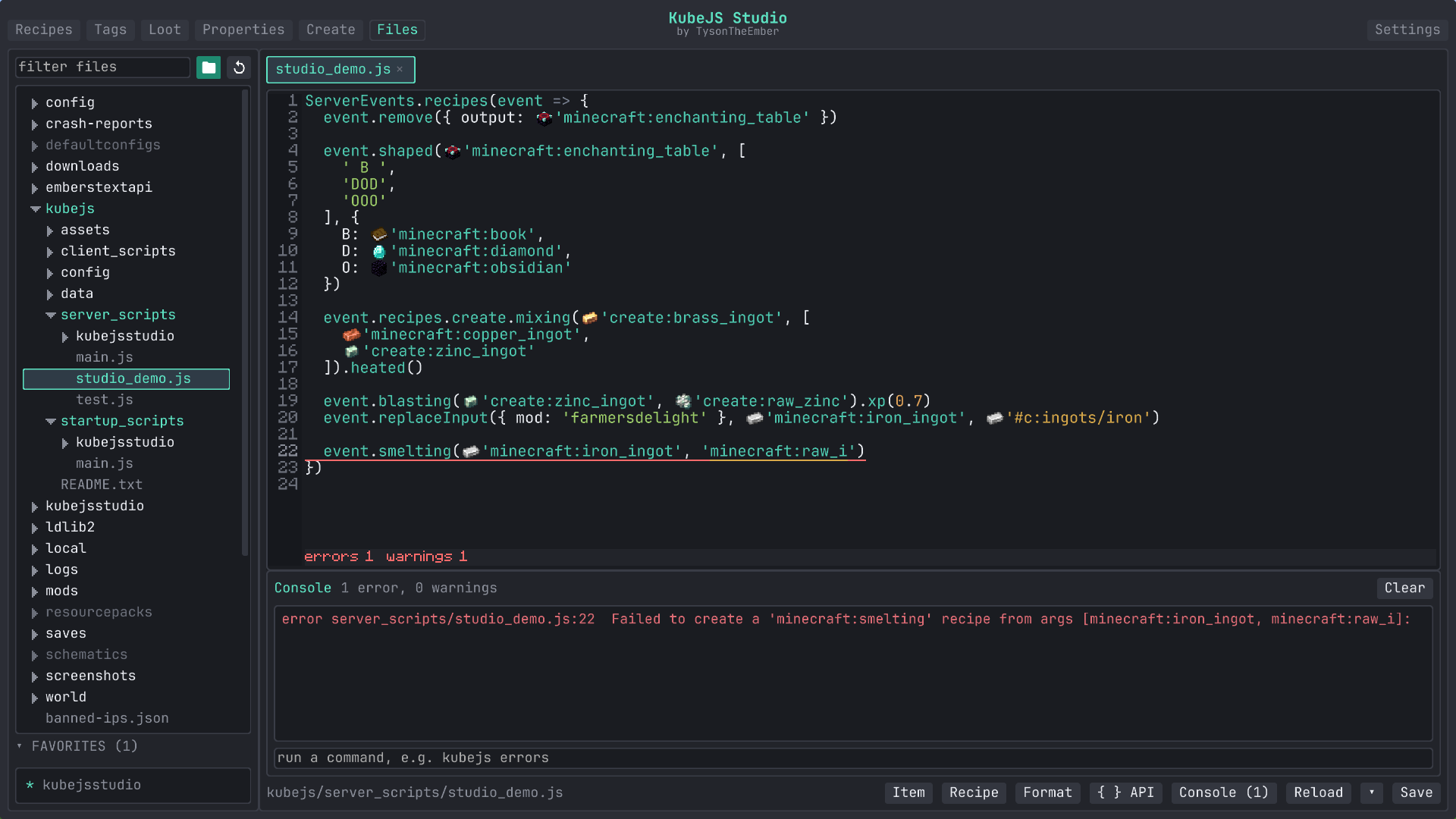
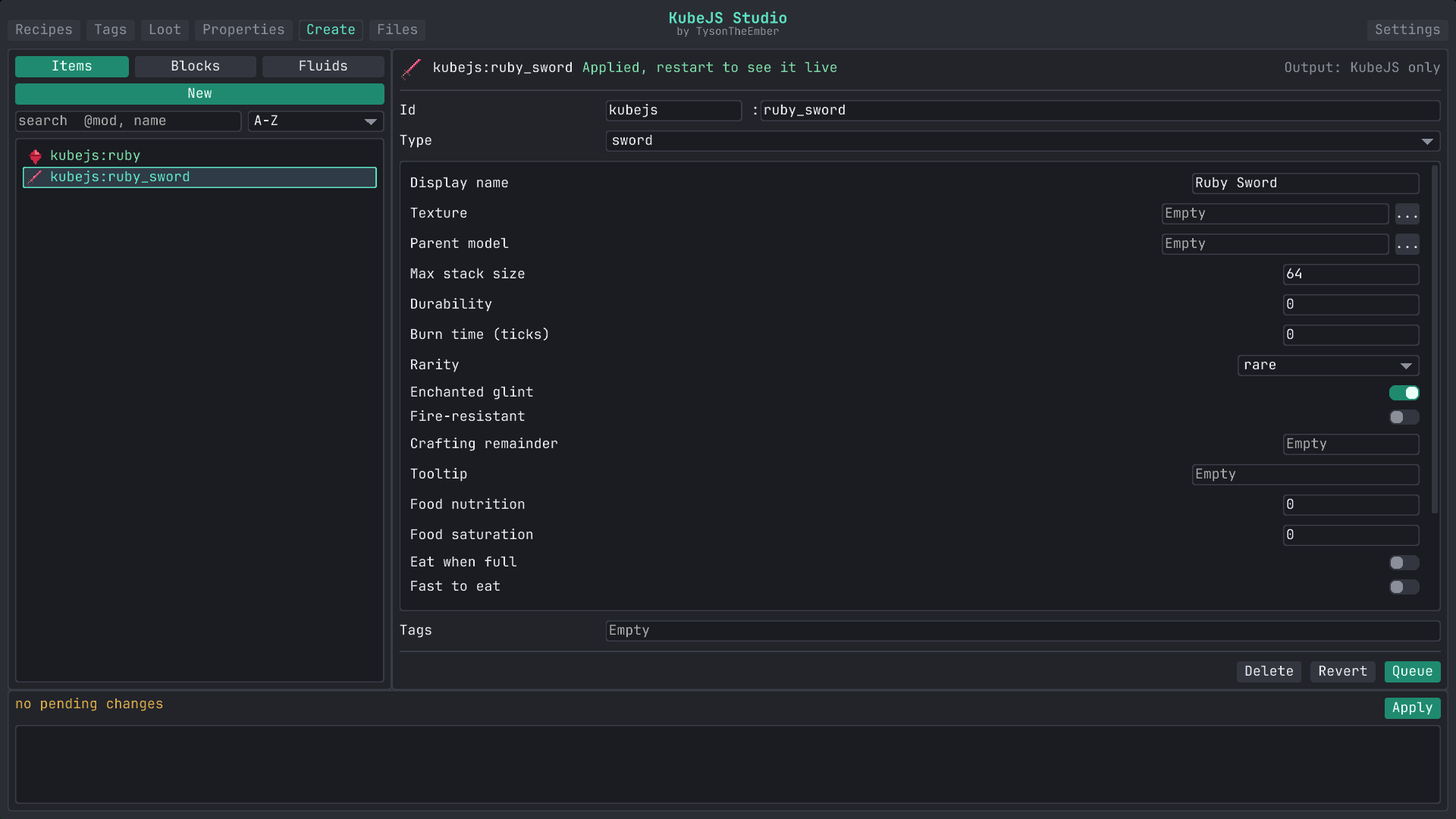
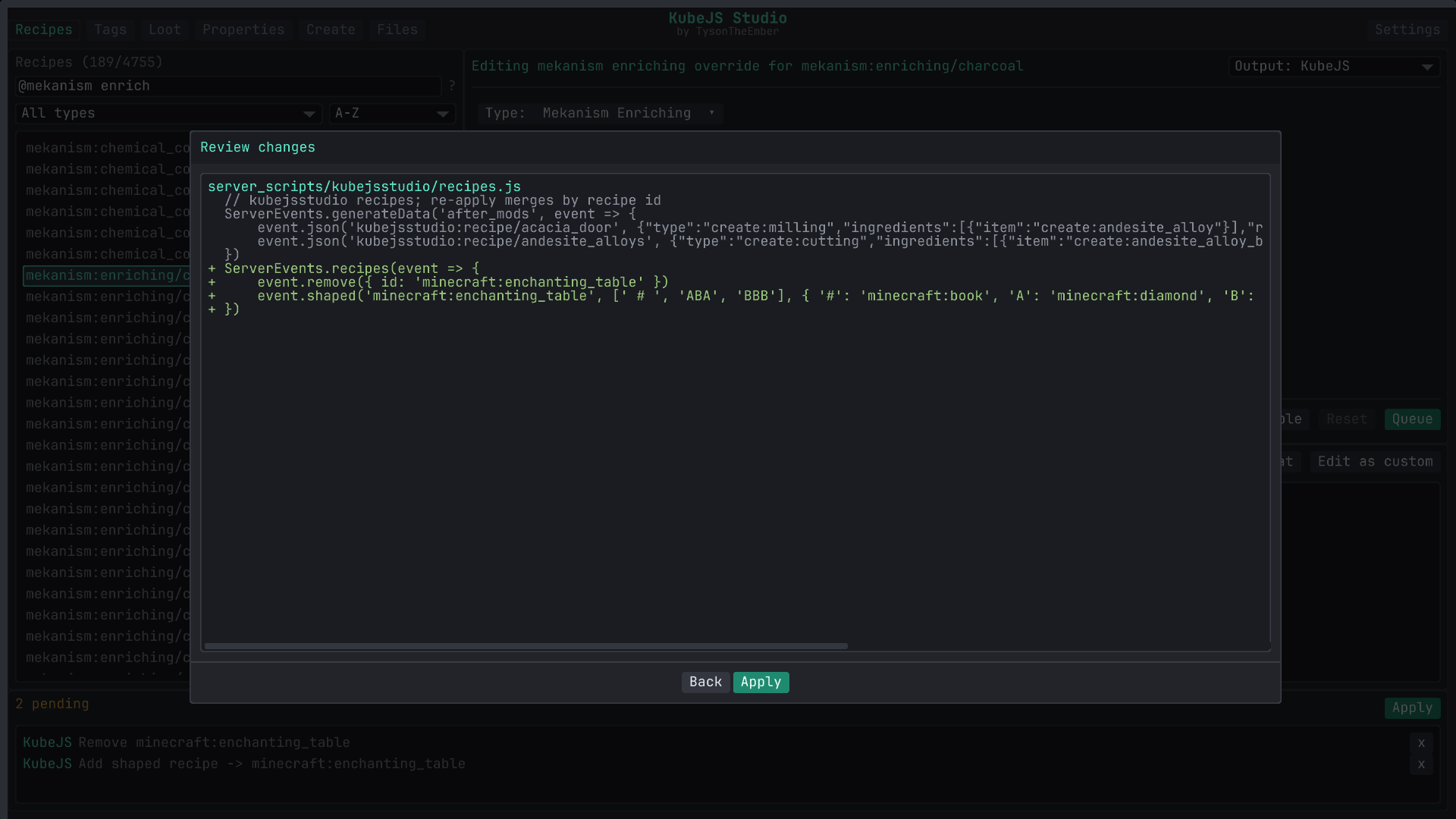
KubeJS Studio is an in-game authoring workspace for creating and editing KubeJS content, with visual tools and a code editor that can be used together; it writes ordinary scripts, datapack JSON and resource files that remain usable without Studio. Its recipe browser can create, override, disable or duplicate recipes, with forms for vanilla crafting, cooking, stonecutting and smithing, as well as Create processing such as heated mixing and sequenced assembly, plus layouts for Farmer’s Delight, Ars Nouveau and common Mekanism machines. Recipes from other mods can use forms generated from their KubeJS schemas, while unsupported or more complex recipe data can be edited as raw JSON; JEI and EMI recipe pages can also open a selected recipe in Studio. The tag editor works across items, blocks, fluids, entities and exposed dynamic registries, showing proposed additions and removals against live contents before changes are queued. Loot tables are edited as pools and entries, with typed controls for rolls, counts, weights, conditions and functions such as tool checks, random chances, Fortune-style bonuses, explosion decay, names, lore and components or NBT. Studio can change item and block properties, including item stack size, durability and food values, and block hardness, light and mining settings; it can also rename and retexture existing content and create items, blocks and fluids with builders for examples such as tools, armor, slabs, doors and crops. For script authors, its file explorer and multi-tab editor provides live KubeJS completion, hover documentation, signature help and diagnostics informed by the running pack, including mod-provided recipe types and identifiers. Changes made through the visual tools are queued for review, with a file diff before applying by default; recipe, tag and loot edits can be written as scripts or datapack JSON, while property changes, new registry entries and resource edits use their corresponding generated files. A console shows KubeJS errors and warnings, lets users jump from an error to its source line, and provides commands and reload controls for testing changes.
Written from Modrinth . How we write it
In-game changes
Changes the game's code in 4 areas, as a library other mods build on: User interfaceChanges 4 game code files in this area: menus, screens, tooltips, the chat window and the in-game overlay., Rendering and graphicsChanges 3 game code files in this area: drawing mobs, items, particles and textures on screen., Game data and resourcesChanges 1 game code file in this area: recipes, tags, advancements, language files and other game data. and Game coreChanges 1 game code file in this area: the main loop, lighting and other code the whole game uses..
A library packed inside it changes 34 more game code files: LowDragLib2.
Adds 2 blocks and 7 key bindings.
Counted from the names and data files in the mod, so the list may not be complete.
Keeps all of vanilla Minecraft's textures, models and sounds.
Often used with it
See all 30Details
- Creator
- TysonTheEmber
- License
- Embers Modding License
- Downloads
- 26K
- Created
- 4 Jul 2026
- Official pages
- Modrinth , CurseForge
- Links
- Source code , Issues , Discord
Security
No harmful code found
We checked its files and read their code, without running it.
What it can do on your computer
- Accepts connections from other computers
- It can accept connections from other computers. Found in LowDragLib2, a library it includes.
- Starts other programs
- It can start another program on your computer. Found in the mod's own code and in LowDragLib2, a library it includes.
- Uses folders outside the game
- It can read or write files outside your Minecraft folder, on the rest of your computer. Found: your Downloads and the temporary files folder.
- Creates settings files
- The mod keeps its settings in the config folder of your game, where you can change or delete them. 8 files in your config folder.
- Connects to the internet
- It has code that can go online, for example to check for updates, load skins or send crash reports. Found in LowDragLib2, a library it includes. See Privacy
Why we show this: a mod runs on your computer like any program, so harmful code in it can take your accounts or files. Our checks look for known signs of harm. They cannot prove that a file is harmless. In the grade: malware means no grade, and a Warning in a latest file for a recent Minecraft version lowers it.
How we checked
- FilesWe download the files from Modrinth or CurseForge and look at what is inside them and what their code can do, without running them. Fixed rules tell what is harmful.3 latest files: the newest file for each Minecraft version and loader. All 3 are for recent versions. Recent versions: those released in the last 2 years, plus 1.20.1 and 1.21.1, among the most played in modpacks. See each file in Releases
- Their codeWe turn the code of the files back into readable code and follow what it does, without running it. This shows what it downloads, what it sends and where your login goes.Read without running it
- Author on ModrinthThe disclosure form on Modrinth, where the author declares that the project reads or edits things on your system outside the game. Since 13 Aug 2026, Modrinth's rules require it when this applies.Nothing declared about your system outside the game.
- Uses folders outside the gameUses the temporary files folder.Uses Downloads.
- Looked for, not foundWe looked for these in the file and did not find them.Updating itself, the webcam or microphone, an AI service.
Privacy
We found nothing it sends
We read its code without running it: it contacts no web address while you play.
Why we show this: a mod can send things about you over the internet, like your player name or your login. Contacting an address to check for updates or download files sends nothing about you. Not in the grade: sending data can be normal for what a mod does.
How we checked
- Files readWe read the code without running it. We list each web address the code contacts while you play, and what it sends. Code that is never used is left out.The code of all 3 files, for recent Minecraft versions. See each file in Releases
- Author on ModrinthThe disclosure form on Modrinth, where the author declares crash reports, usage data and advertisements. Since 13 Aug 2026, Modrinth's rules require it when a project collects data on its users or shows advertisements.Nothing declared about crash reports, usage data or advertisements.
AI
AI was used for its code and text
The author declares AI code and text on Modrinth.
We looked for AI tools in its texts, files and images and found none.
No sign of AI in the game
We found no AI service, AI library or AI model file in its code.
Why we show this: some players and servers avoid projects made with AI, and AI in the game can send what you write to an online service. Not in the grade: using AI does not tell whether a project works well or is kept up to date.
How we checked
- Author on ModrinthThe disclosure form on Modrinth. Since 13 Aug 2026, Modrinth's rules require it when a substantial part of the code is AI output, when an asset is mainly AI output, or when the project or its page relies on generative AI.Declares AI code, text. No AI features declared.
- Description and changelogsThe description, project page and newest changelogs: sentences saying an AI tool was used, and text pasted from an AI chat.Nothing found2 of 28 changelogs read
- Its filesFiles that AI coding tools leave behind (like AGENTS.md), and the texts inside the files you download.Nothing found
- Images in its filesHidden data in the images of the files you download, where AI image tools write their name and settings.Nothing found4 images read
- Code of the modThe code and files of the mod, read without running it: addresses of AI services, AI libraries, AI model files and a place for your own AI key.No AI service, AI library or AI model file2,134 code files read
Compatibility
See all 14 filesPoint at or tap a version to see its loaders.



Modpacks using this project
Find modpacks with it60 modpacks include KubeJS Studio in at least one of their versions. Here are the 30 most downloaded.
 Modded Together138K downloadslast version with it 24 Sep 2026
 Druidic Quest: Expert52K downloadslast version with it 13 Oct 2026
 Mechanical Infinity15K downloadslast version with it 5 Aug 2026
 InsaneCraft Insanity Reborn7.3K downloadslast version with it 24 Sep 2026
 Xomaps Potato Sky6.5K downloadslast version with it 18 Oct 2026
 Modern Revolutions Skies4K downloadslast version with it 30 Jul 2026
 Pixelmon E2craft3.7K downloadslast version with it 3 Aug 2026
 StoneBlock Project Matter3.1K downloadslast version with it 9 Aug 2026
 Avaritia infinity adventure2.1K downloadslast version with it 22 Oct 2026
 Mystical Astral Infinity1.9K downloadslast version with it 22 Sep 2026
Often in the same modpacks
Mods that modpacks often add together with KubeJS Studio. Share: how many of the modpacks with KubeJS Studio also have that mod.
 Sophisticated StorageAModin 66% of the modpacks with KubeJS Studio
 FTB Chunks (NeoForge)AModin 66% of the modpacks with KubeJS Studio
 KubeJS CreateBModin 61% of the modpacks with KubeJS Studio
 AllTheLeaks (Memory Leak Fix)AModin 61% of the modpacks with KubeJS Studio
 FTB Essentials (Forge & Fabric)AModin 61% of the modpacks with KubeJS Studio
 ChippedCModin 59% of the modpacks with KubeJS Studio
 FTB Ultimine (NeoForge)AModin 57% of the modpacks with KubeJS Studio
 LootJS: KubeJS AddonAModin 56% of the modpacks with KubeJS Studio
 Create: Copycats+AModin 56% of the modpacks with KubeJS Studio
 sparkAModin 54% of the modpacks with KubeJS Studio
Latest files
The newest file for each Minecraft version and loader. The files for recent versions come first. Recent versions: those released in the last 2 years, plus 1.20.1 and 1.21.1, among the most played in modpacks.